1 Fetch MockAPI records and display in UI ("Workshop")
26.1106 17:48 (converted from docx source file to markdown+PNGs by ChatGPT)
TOC
- 1.0 What we will build
- 1.1 Create MockAPI records
- 1.2 Configure the data connection to MockAPI
- 1.3 Fetch MockAPI records through the data connection and store them in a dataset using Python
- 1.4 Create ObjectTypes/Objects from the dataset
- 1.5 Display ObjectType records in a UI (Workshop) table
1.0 What we will build
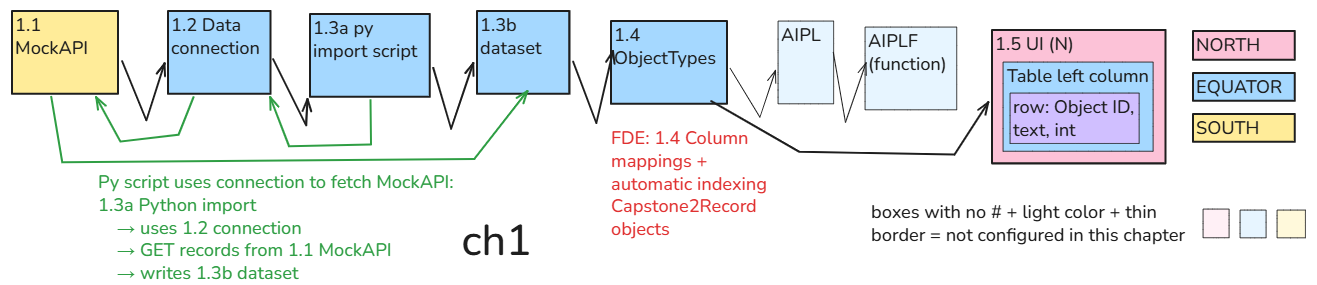
Bring in a few records from MockAPI and display their text and numbers in a table.
1.1 MockAPI — three source records
→ 1.2 connection allowing Foundry to read MockAPI
→ 1.3a manually run Python import
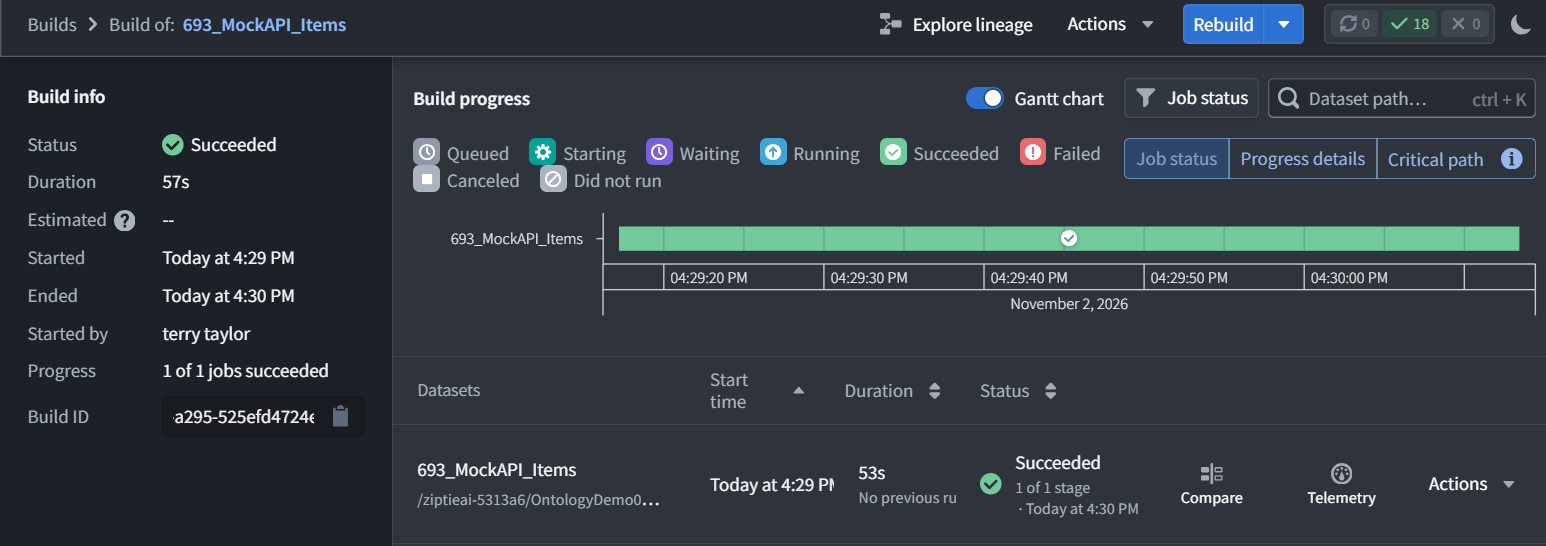
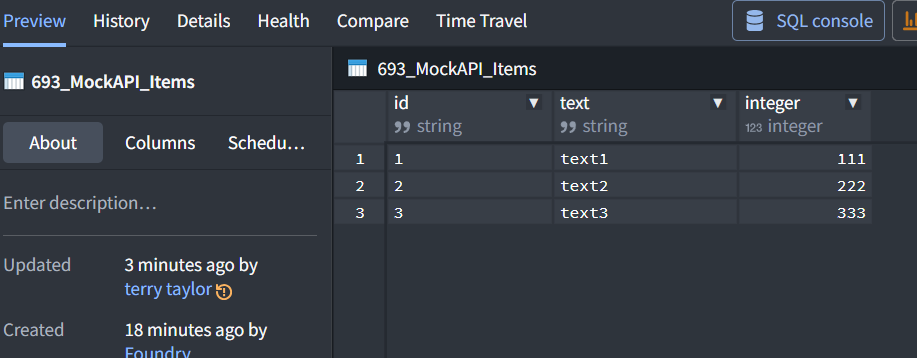
→ 1.3b stored dataset: 693_MockAPI_Items
→ 1.4 column-to-property mappings + automatic indexing
→ Capstone2Record: three objects
→ 1.5 UI table displays those objects
1.2 is connection configuration, not another set of data records. The import uses that connection to fetch the records.
Going forward:
Granular: separate configuration, data movement, execution, and verification.
Numbered: match descriptions and diagram labels to the lesson steps.
Mechanistic: state what receives what, what triggers it, and where the result goes.
Clear terminology: use plain language first, followed by the UI term when needed—for example, Action operations (Rules).
I’ll also distinguish creating a definition, saving/publishing it, and running it, rather than compressing them into one step.
No AI checks or scheduled fetching yet. After verifying the published view, Chapter 1 is complete.
1.1 Create MockAPI records
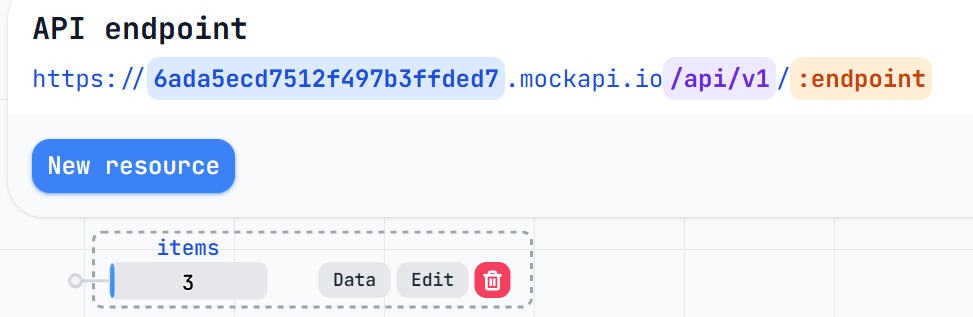
Keep only the synthetic records needed for this demo: an ID, text, and an integer.
[
  {
    "id": "1",
    "text": "text1",
    "integer": 111
  },
  {
    "id": "2",
    "text": "text2",
    "integer": 222
  },
  {
    "id": "3",
    "text": "text3",
    "integer": 333
  }
]
1.2 Configure the data connection to MockAPI
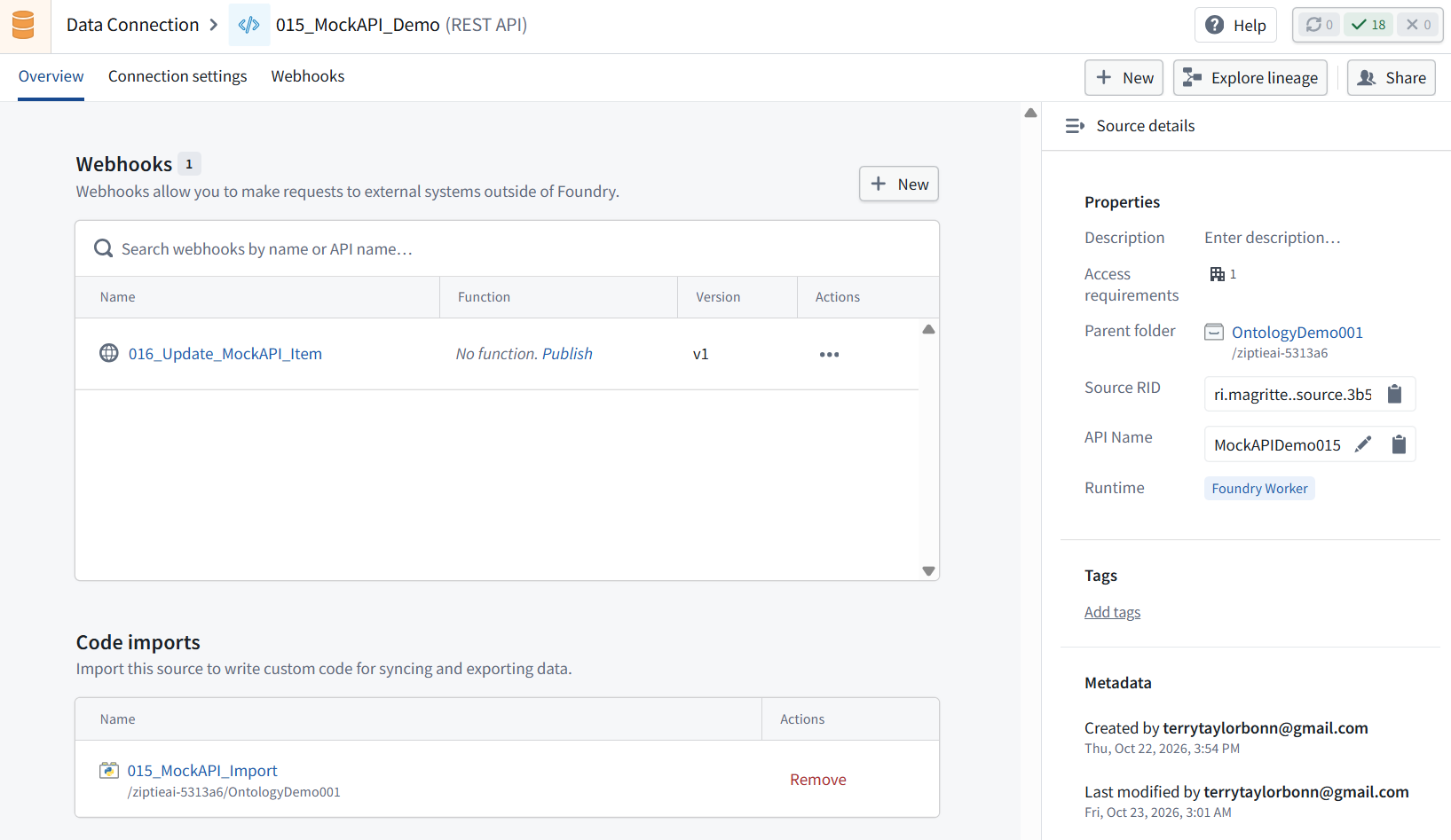
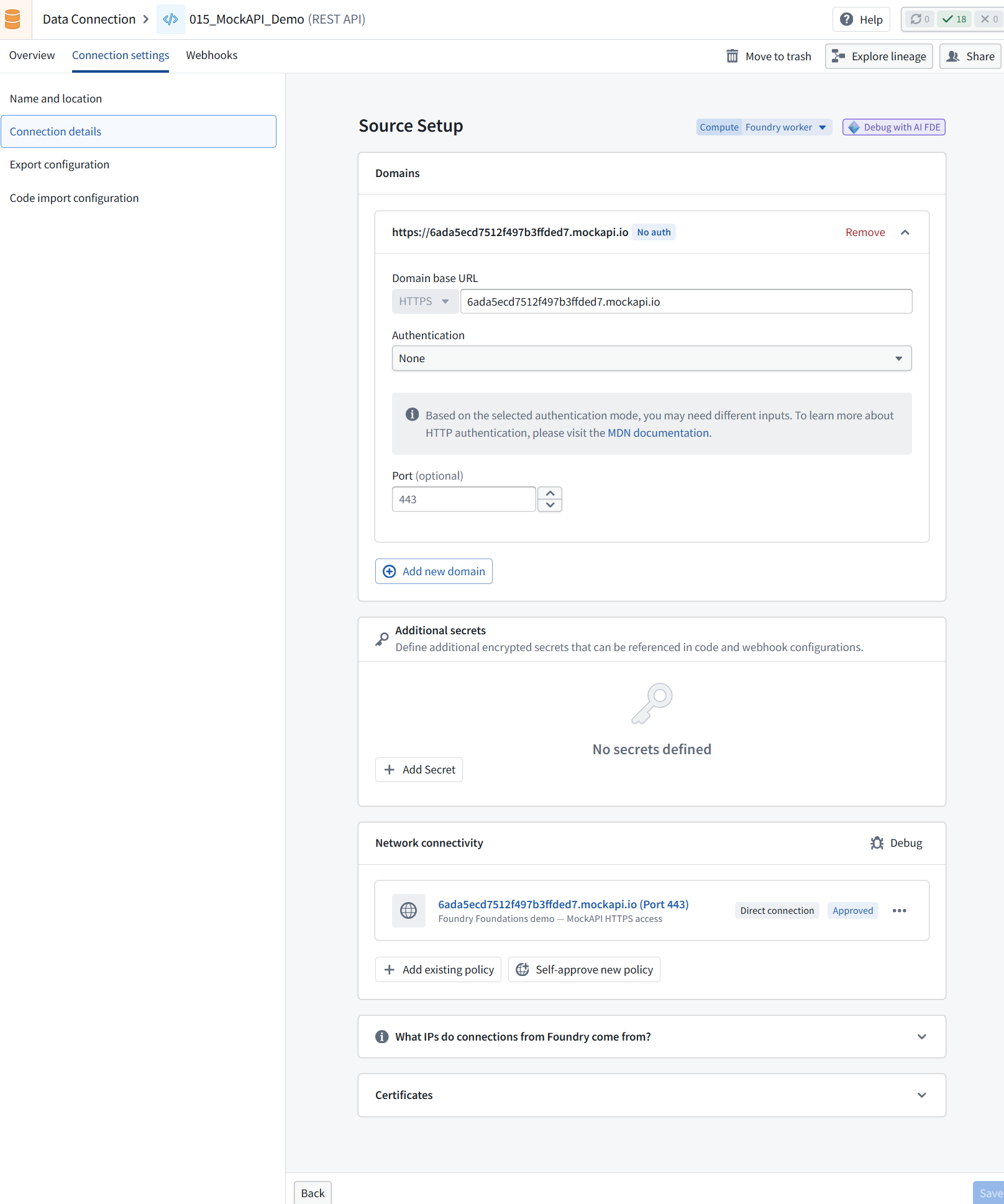
Allow Foundry to read MockAPI (data connection)
Yes—1.2 Create a data connection to MockAPI is clear.
But in this demo you reused an existing connection, so the accurate title is:
1.2 Configure the data connection to MockAPI
Configure the external connection and explain what access we are allowing. Reuse the existing connection if suitable.
1.3 Fetch MockAPI records through the data connection and store them in a dataset using Python
ME: so the title “1.3 Fetch the records and verify the stored data” could be “1.3 Py script fetches MockAPI records (using data connection) and store in dataset”
FDE: Yes—that makes the mechanism explicit. I’d phrase it:
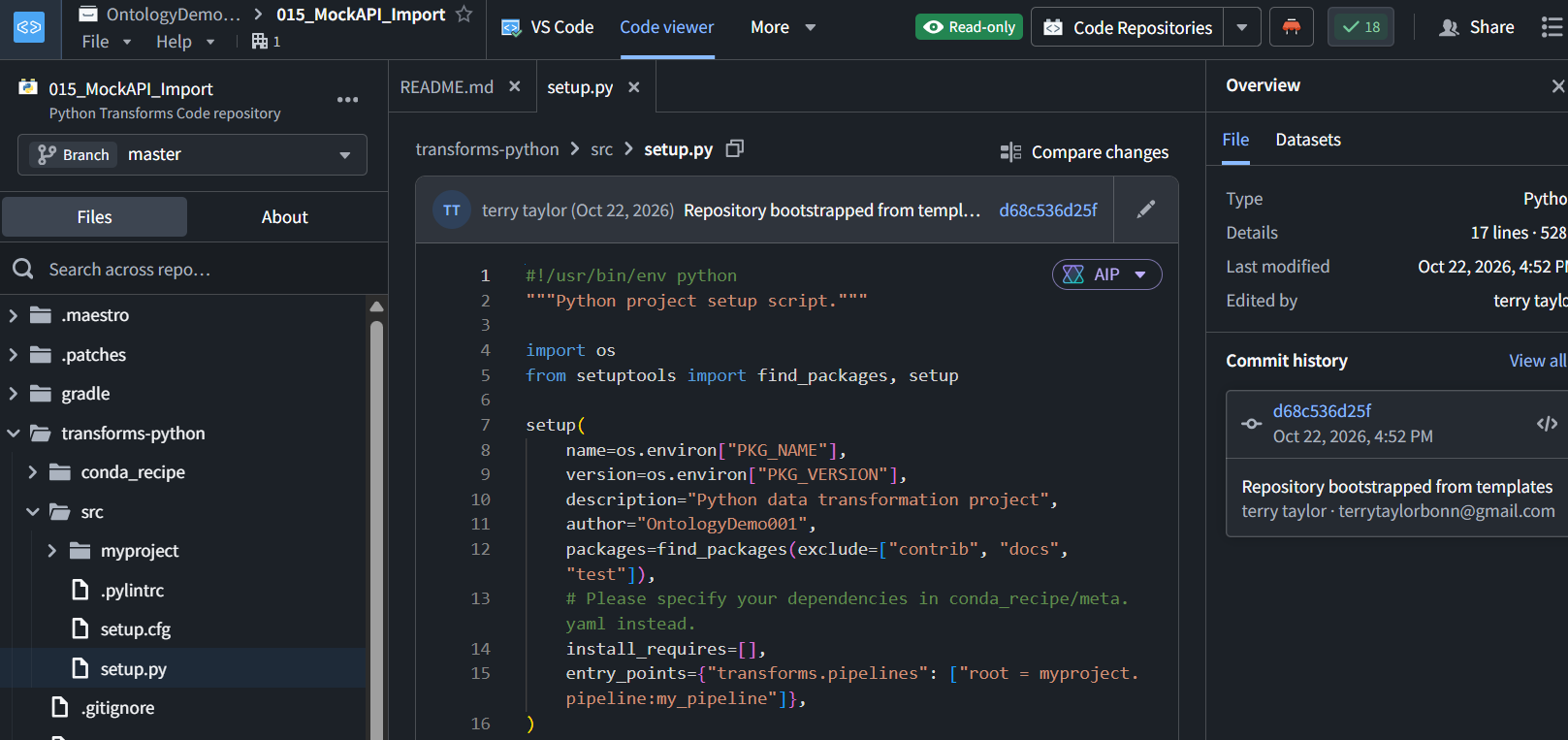
1.3 Fetch MockAPI records through the data connection and store them in a dataset using Python
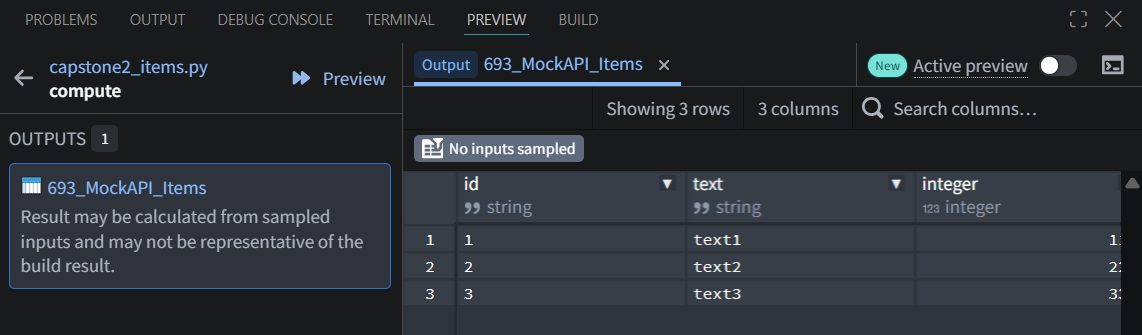
Run a small import manually. Check the returned records and column types. Leave recurring fetches off.
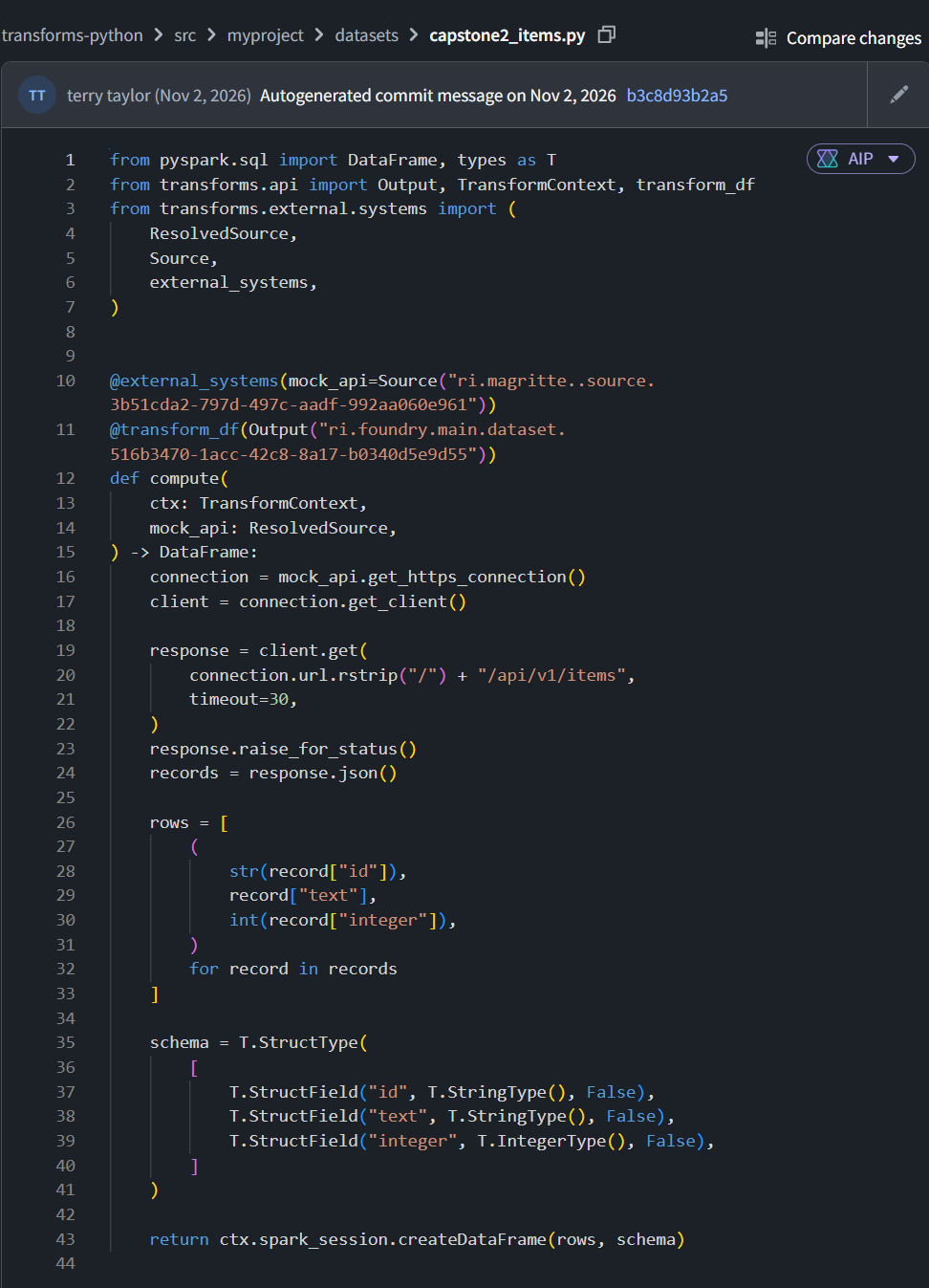
Confirmed: the old import reads name and quantity. We’ll leave it unchanged and create a new import for 693.
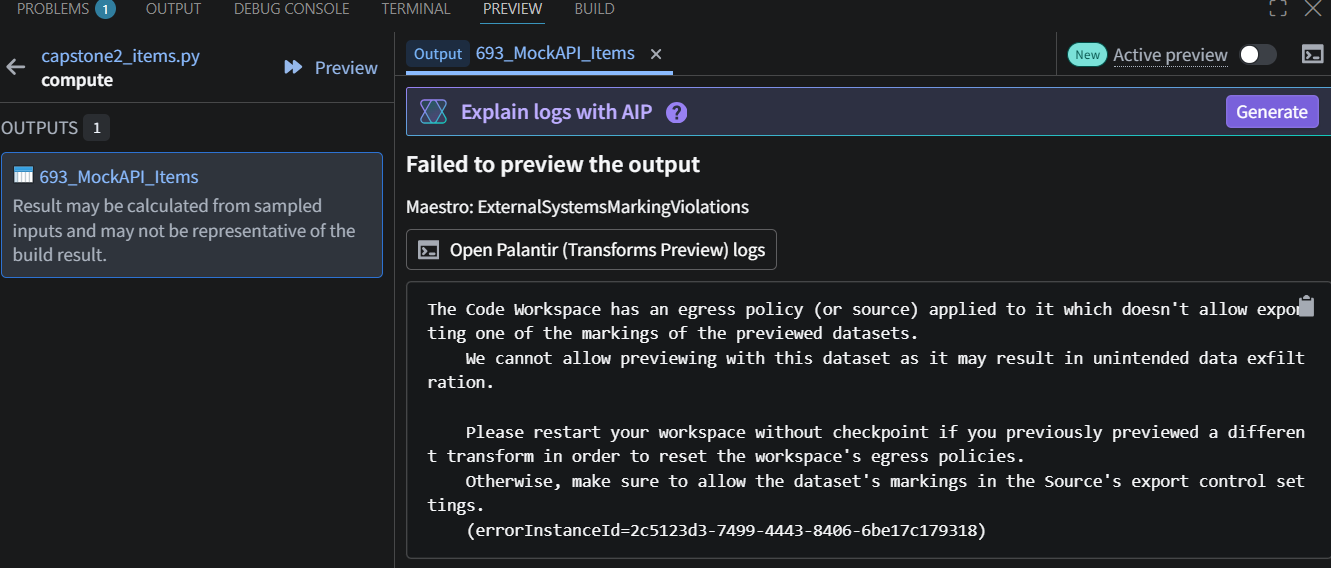
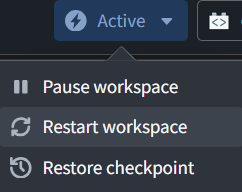
preview
837

1.4 Create ObjectTypes/Objects from the dataset
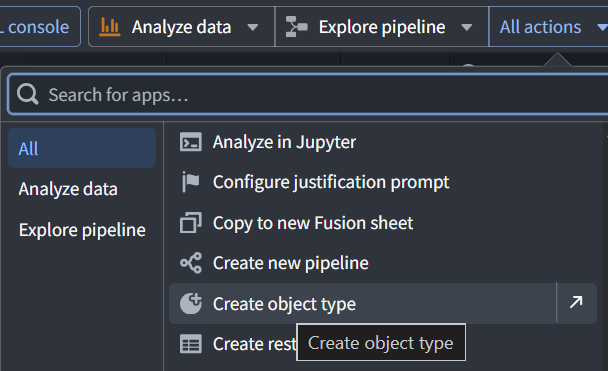
(was “Make the records available as objects”) Yes—“1.4 Create objects from the dataset” is better. It says plainly what the reader will do, rather than describing the outcome indirectly.
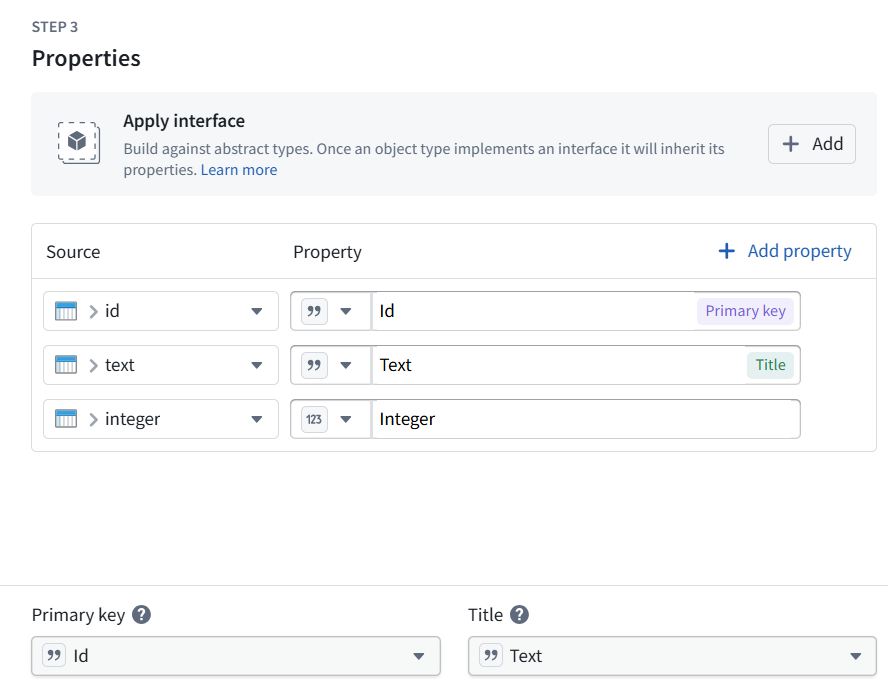
Connect the imported columns to an object’s ID, text, and integer properties. Keep this backing-data path throughout the demo.
841
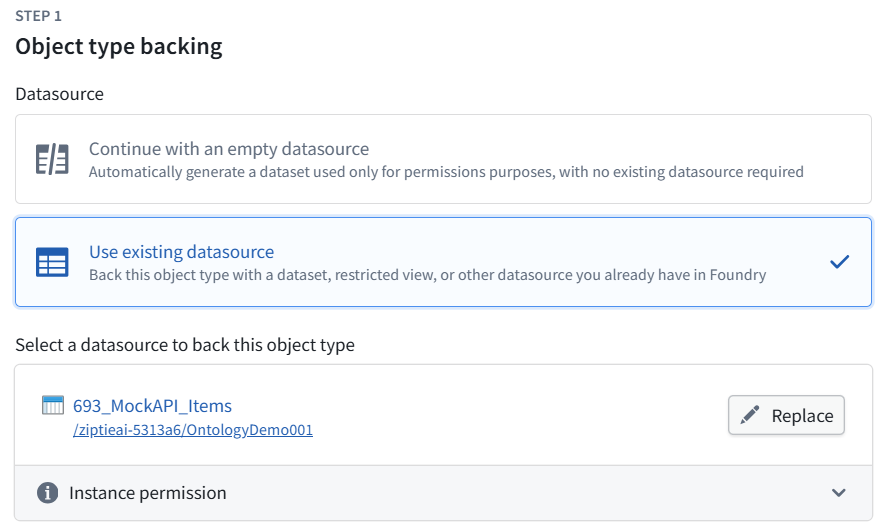
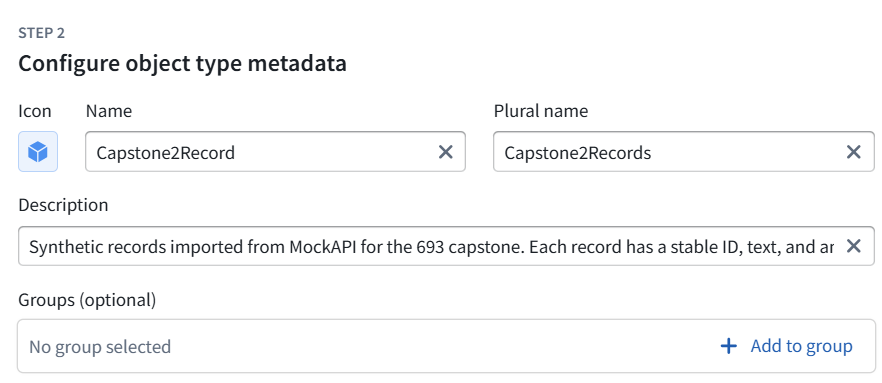
We’ll create one new object type for 693, backed directly by this dataset—no CSV combination or datasource replacement.
Proposed configuration:
Object type: Capstone2Record
ID: id
Displayed title: text
Numeric property: integer
842
848
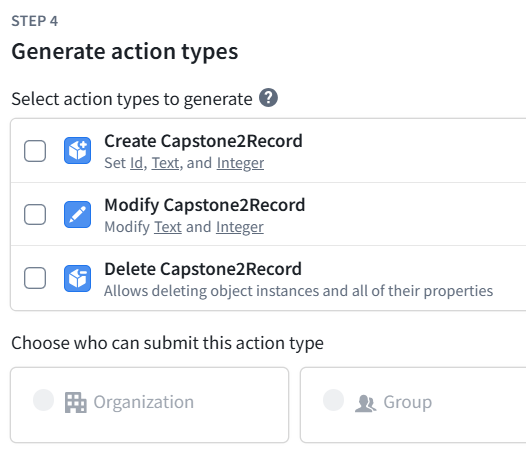
Leave all three checkboxes unchecked. We do not need controls to create, modify, or delete records inside Foundry for this first step.
Our records will come from MockAPI, and the table will display them. We’ll add a specific result-saving operation later when needed.
The who can submit options are disabled because no Actions are selected—that is expected.
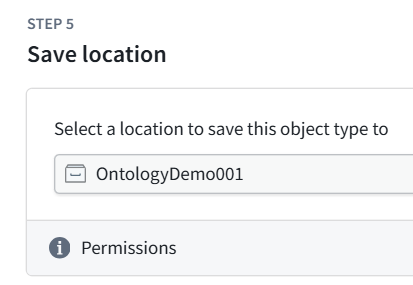
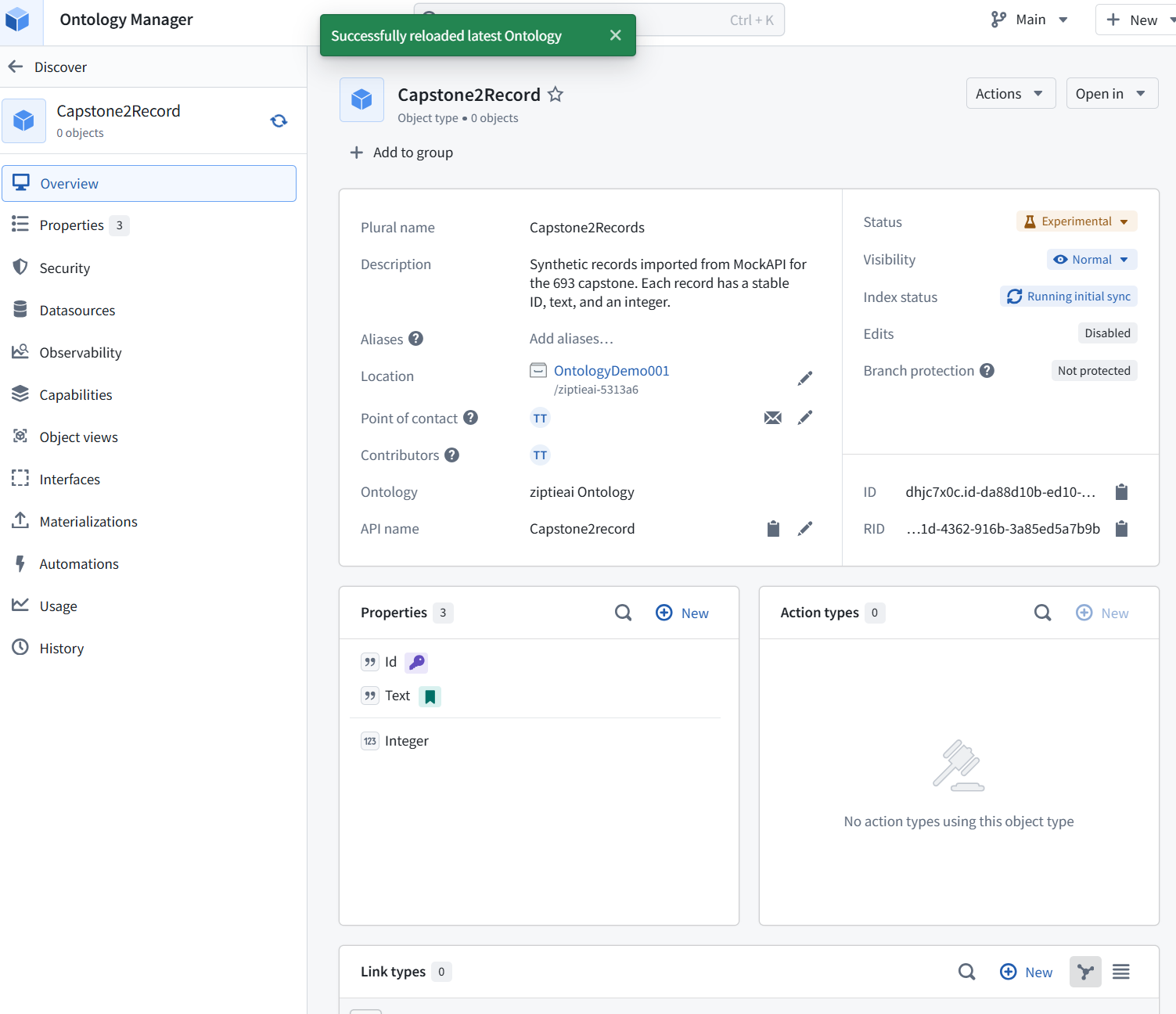
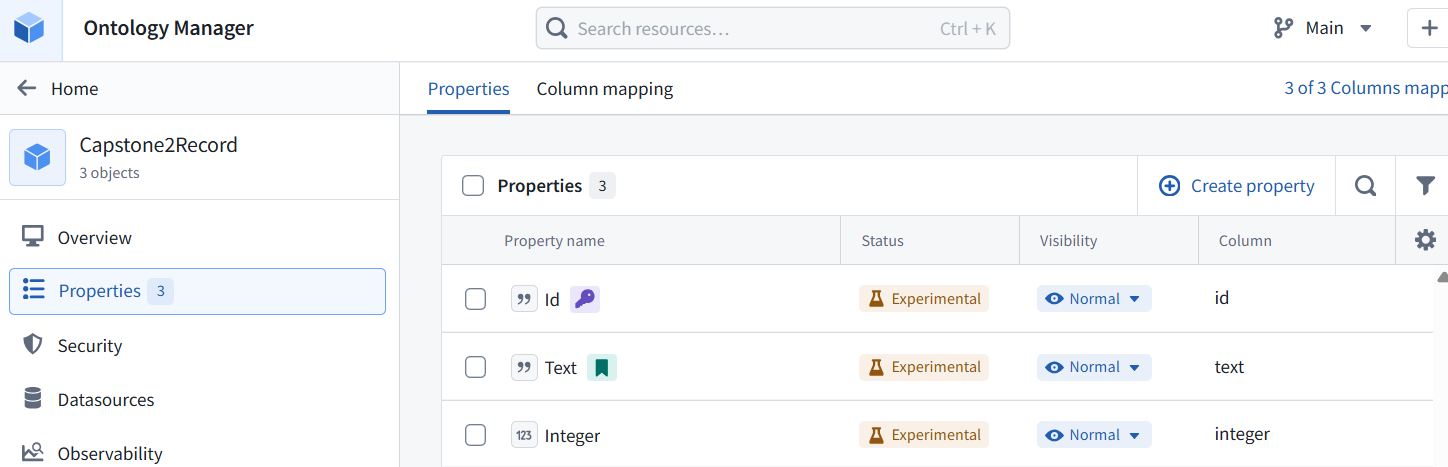
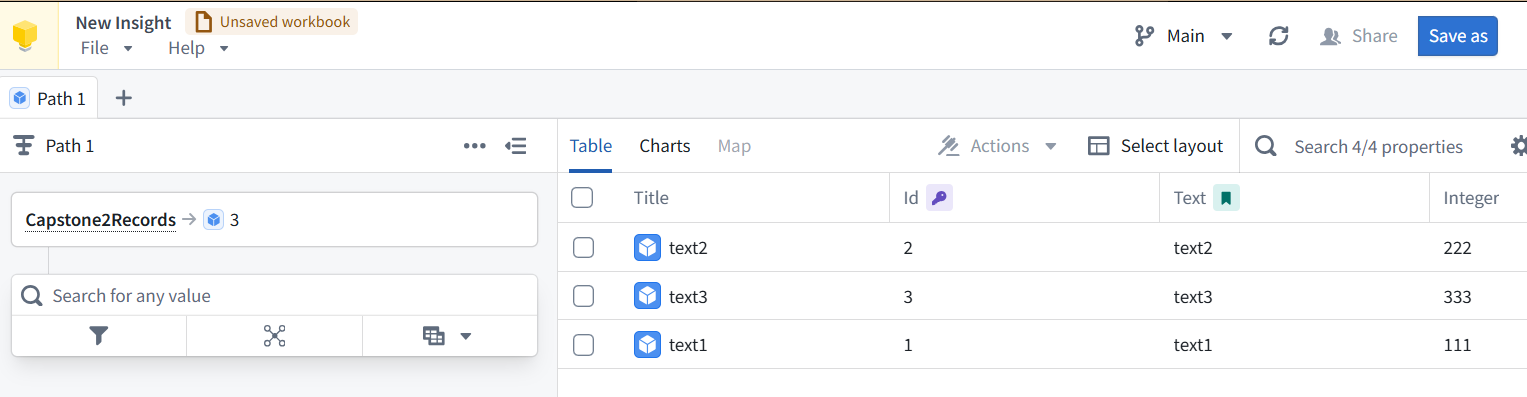
1.4 is verified: Capstone2Record now has 3 objects, and all three columns are mapped correctly:
Id ← id — unique identifier
Text ← text — displayed title
Integer ← integer — numeric value
There are no generated Actions, and edits are disabled. That is appropriate for our current read-only display.
ME: so in 1.4 the dataset contents were copied to the objects exactly when?
After we saved the new object-type definition to the Ontology. That save started the initial indexing process.
You saw the sequence:
We mapped id, text, and integer to the object properties.
We saved the definition.
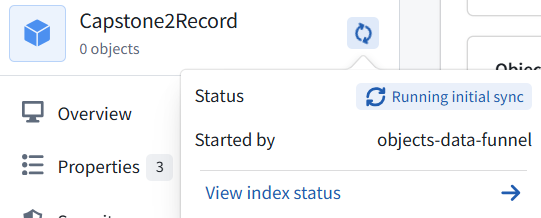
The overview showed “Running initial sync” and 0 objects.
When indexing finished, it showed 3 objects.
That background indexing is when Foundry read the stored dataset rows and made them available as objects. Opening the application did not perform the copy—it displayed objects already indexed.
Later, when we changed MockAPI:
Build fetched updated data into the dataset → indexing picked up the dataset change → the object’s Text value changed
“Copied” is useful shorthand, but this is a maintained connection—not a one-time conversion. No timer is needed for indexing to pick up a completed update to the backing dataset; the timer we add later controls fetching from MockAPI.
ME: what build?
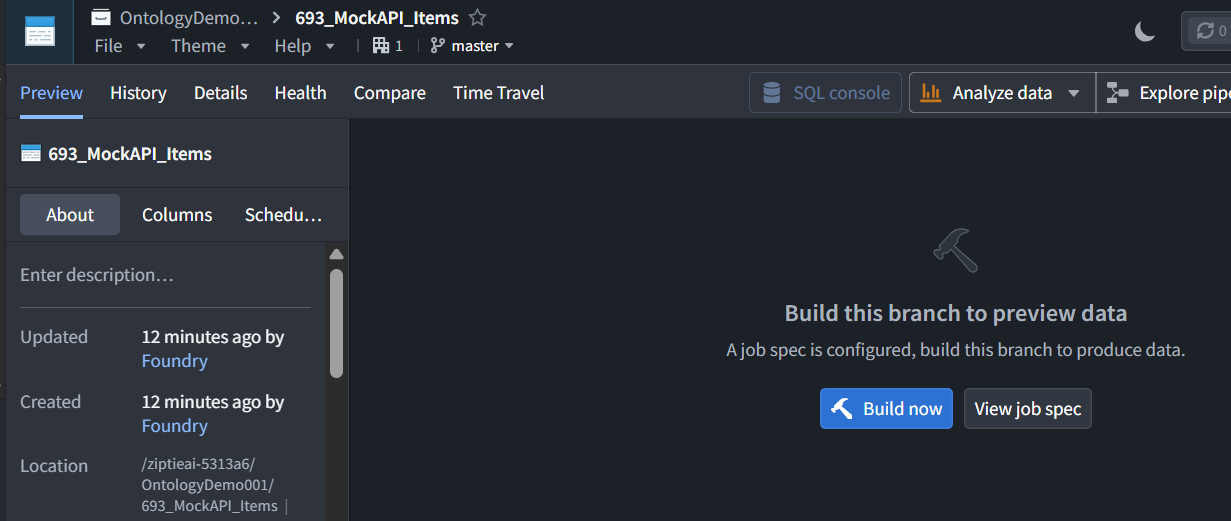
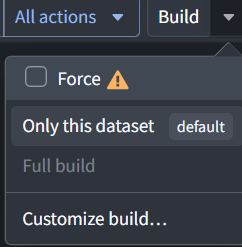
The build of the dataset 693_MockAPI_Items. That runs our Python file, capstone2_items.py, to fetch MockAPI records and store them.
There are two separate operations:
Click Build on 693_MockAPI_Items → Python fetches MockAPI → dataset contents are updated Foundry then indexes that dataset update automatically → object values become available or change
In 1.4, we did not run that Python build again. We saved the object definition, and Foundry’s initial indexing read the dataset contents that were already stored.
1.5 Display ObjectType records in a UI (Workshop) table
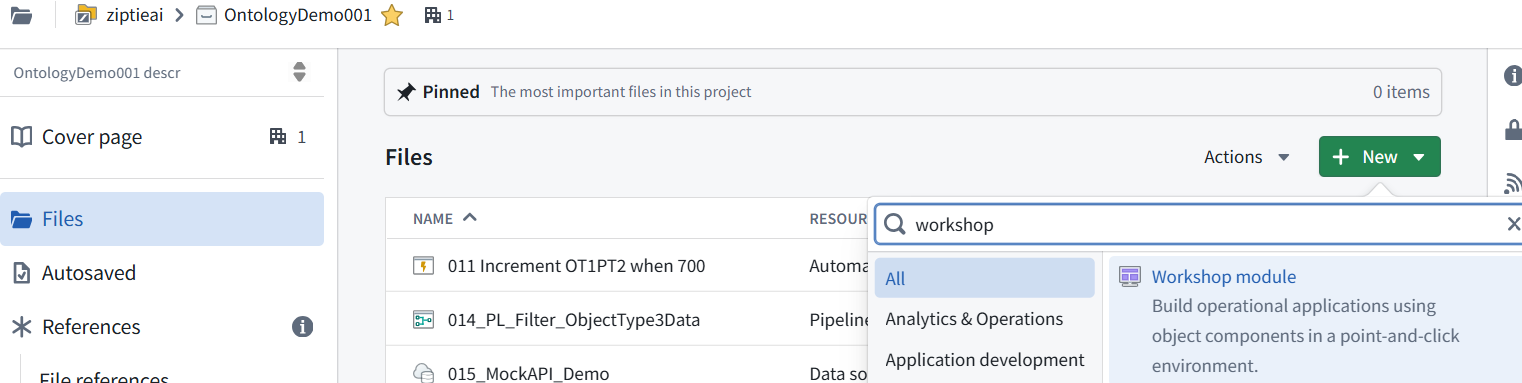
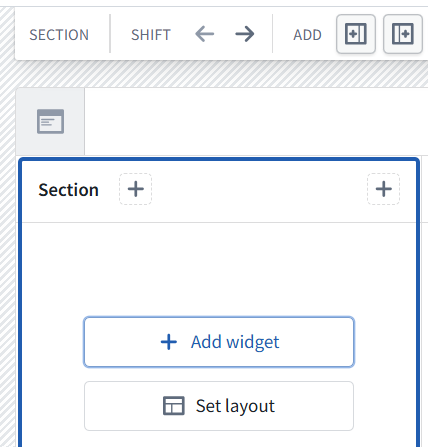
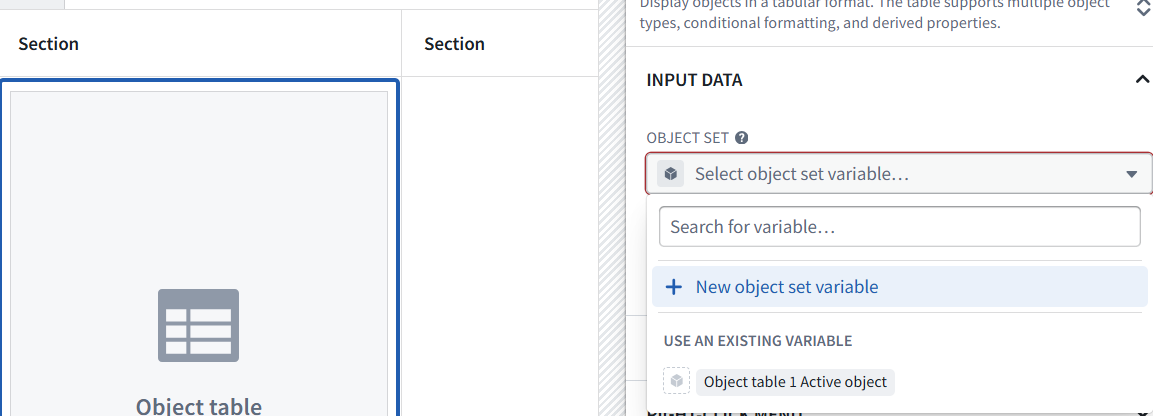
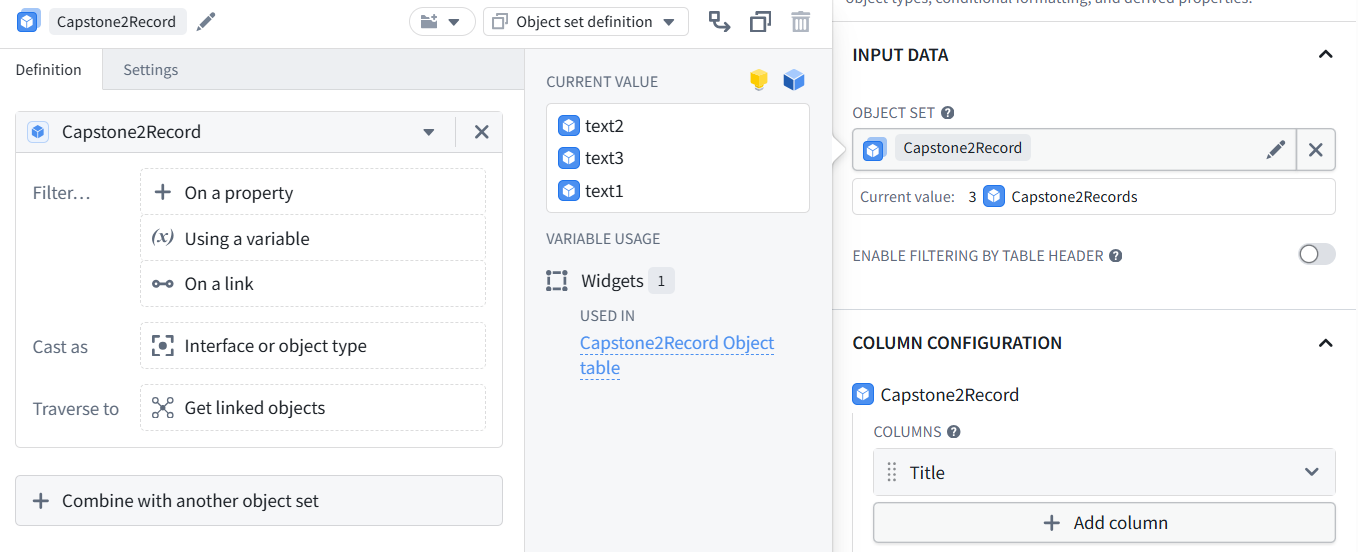
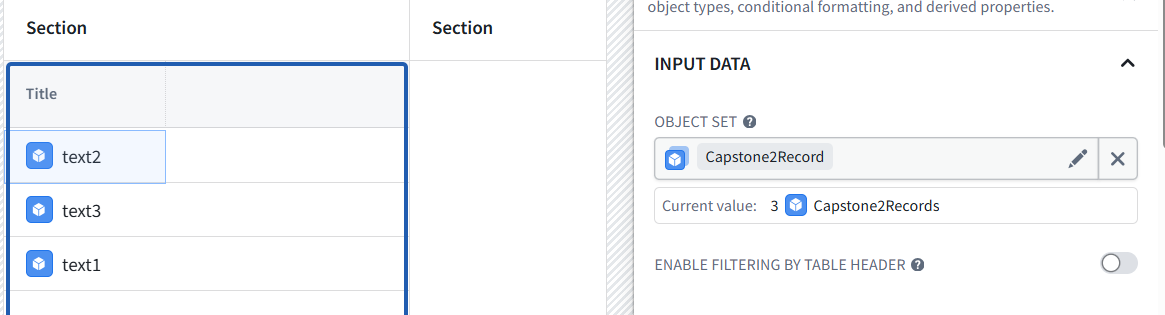
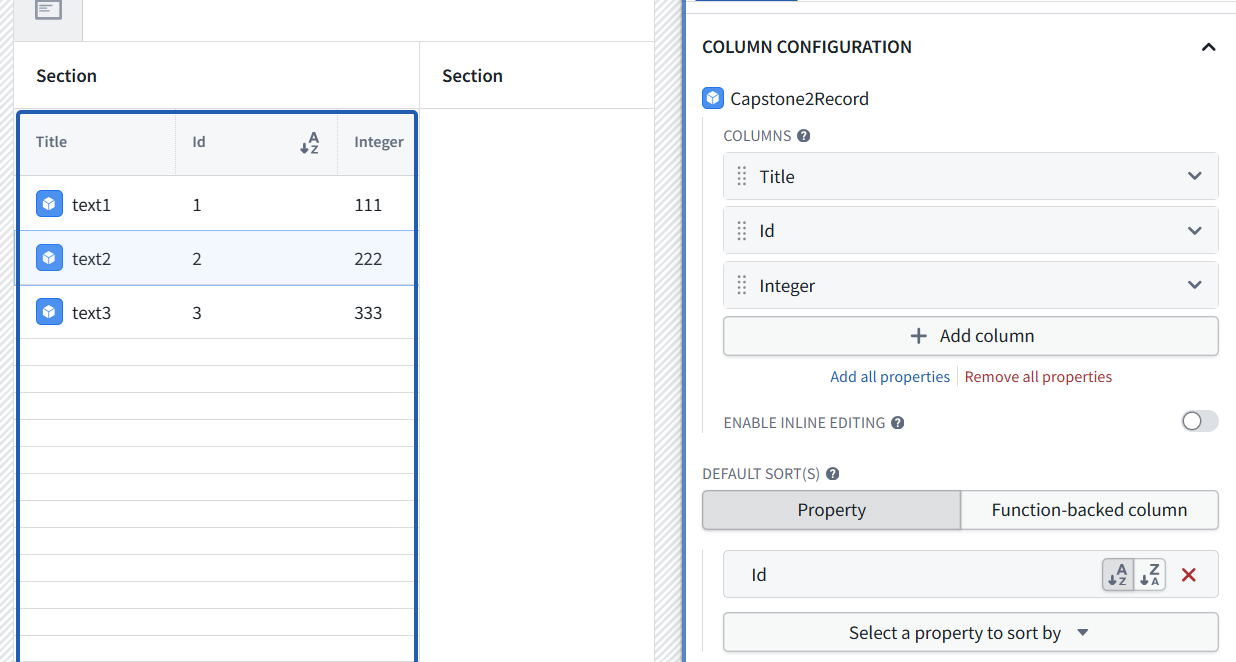
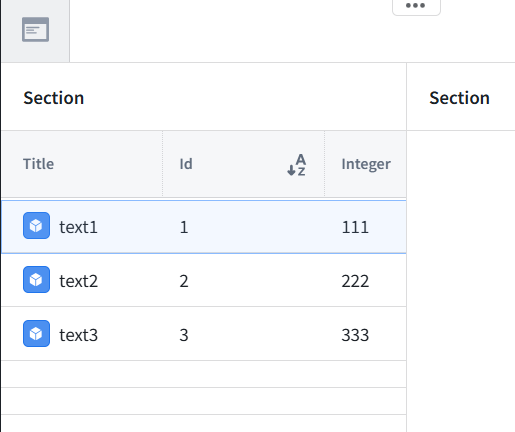
Create a minimal application with one table. Verify that the displayed values match MockAPI.
Chapter 1 ends with: MockAPI records visible in the application—no AI, buttons, result storage, or automation yet.

864
872
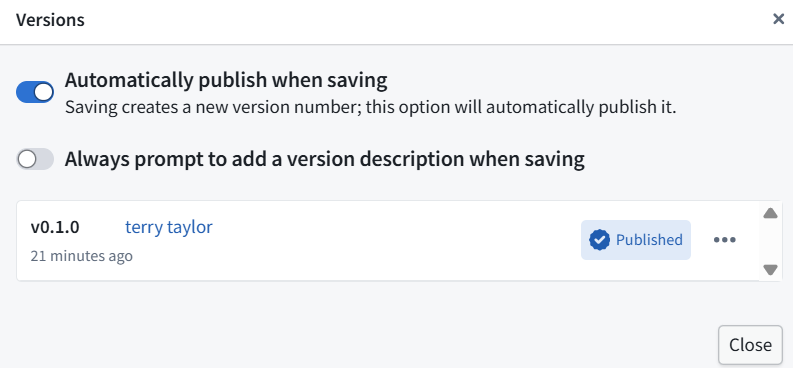
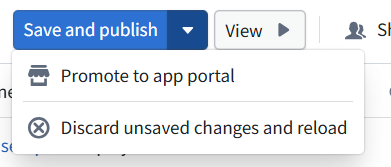

Publishing makes the application configuration available; it does not fetch MockAPI again.