8 Schedule MockAPI DATASET import / Add new Capstone2Record / Trace automation
26.1106 09:33 (converted from docx source file to markdown+PNGs by ChatGPT)
8.0 What we will build
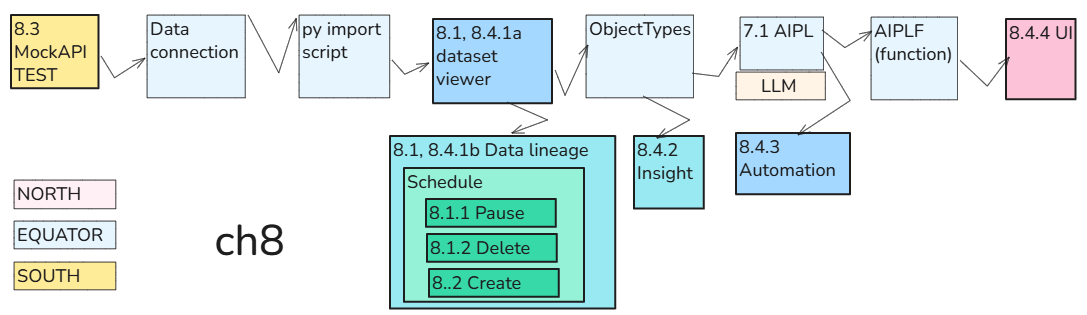
Schedule the Python import to fetch MockAPI records into 693_MockAPI_Items every two minutes.
The complete flow is:
- **Scheduled Python import → **
- **dataset update → **
- **new Capstone2Record object → **
- **Chapter 7 automation → **
- **A2 → **
- **AIPLF → **
-
LLM response saved in CheckResult We will:
- Delete the old build schedule (if exists) and create a new one.
- Add a MockAPI item with a new, unused Id.
- Wait for the scheduled import—without manually clicking Build or running an Action.
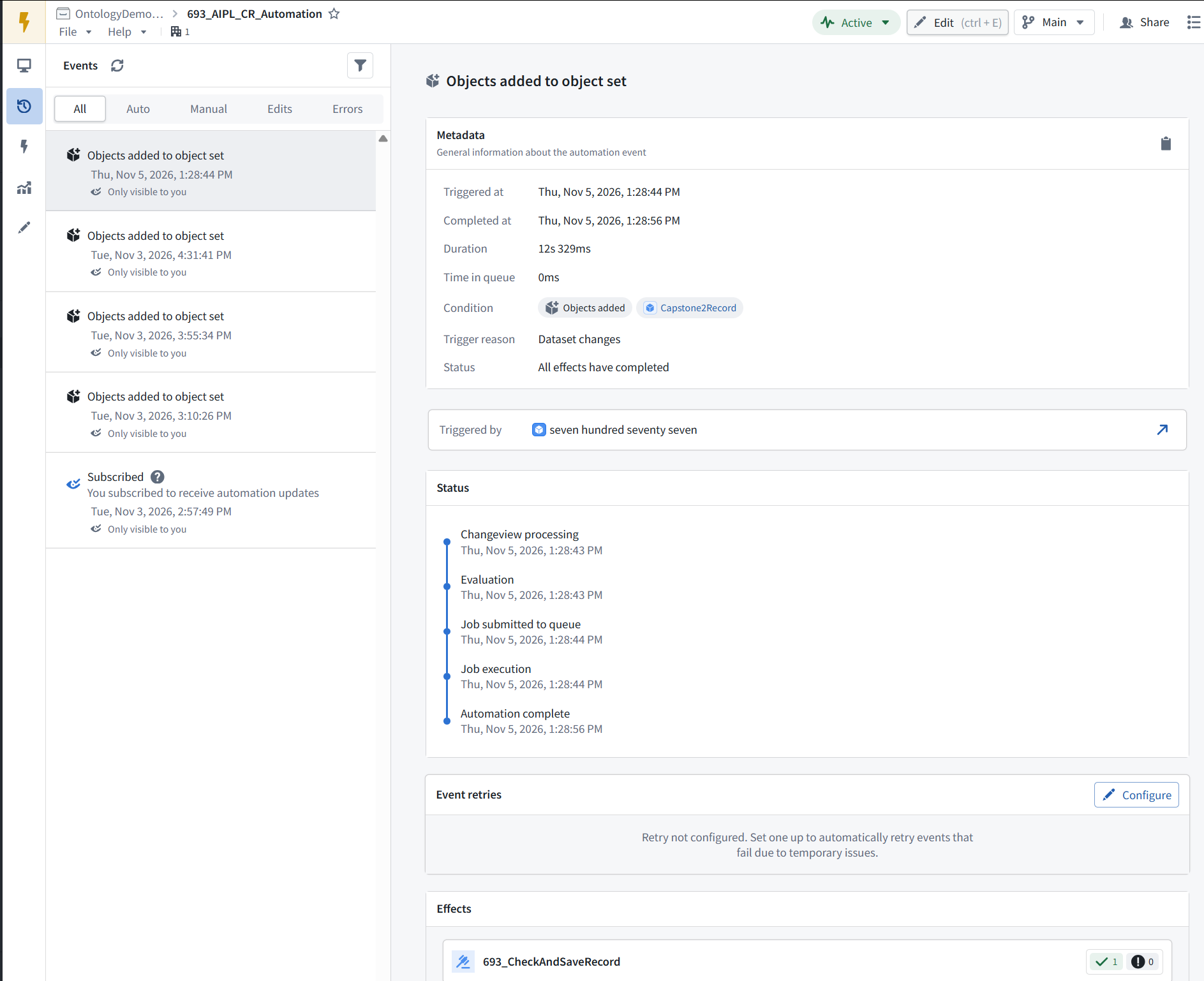
- Verify the new object and its saved CheckResult in Insight, then verify the successful execution in Automate.
- Verify that the new object appears in 693_RecordViewer.
-
Pause the build schedule after testing. Note:
- Limitation: the import fetches new and updated records, but the Chapter 7 automation processes only newly added objects. Updating an existing object does not trigger another AI operation.
- The separate 8.5 CheckRecord button test runs the earlier response-only AIPLF from the UI. It does not save the response in CheckResult. Note: My tabs for this ch8 (all Foundry apps except for MockAPI.io)

- MockAPI.io
- Data connection
- VS code
- Dataset
- Data Lineage
- Build Schedules
- Insight
- AIP Logic (AIPL)
- Automation
- Ontology Manager
- Workshop (UI)
8.0b Accessing applications
Build schedules / data lineage

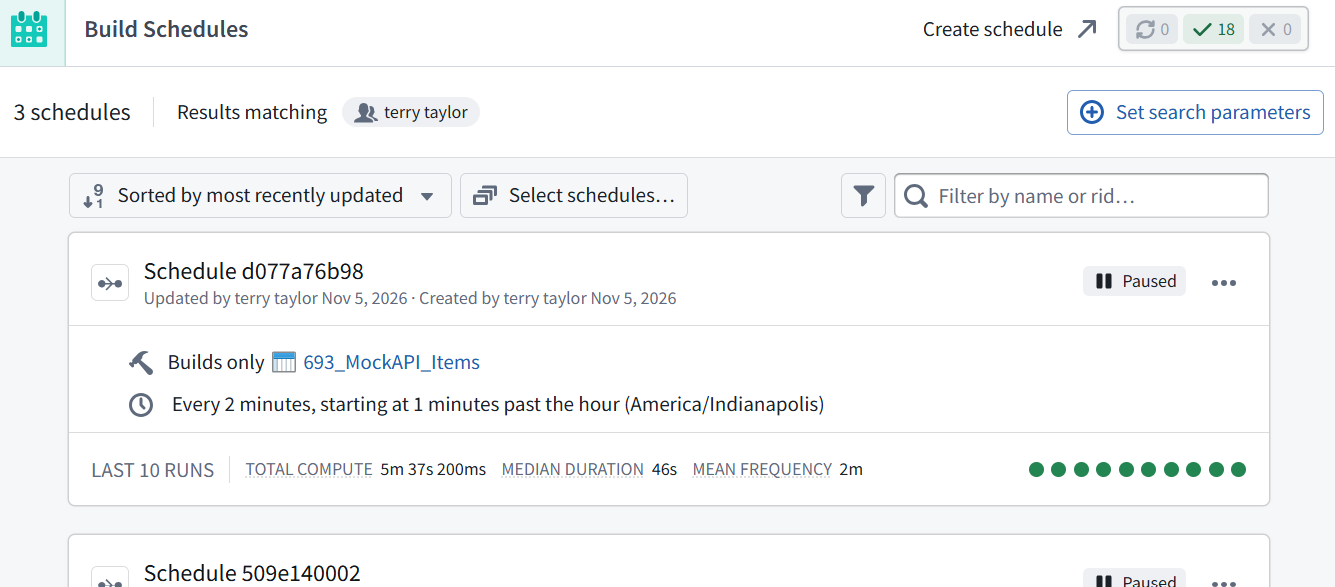
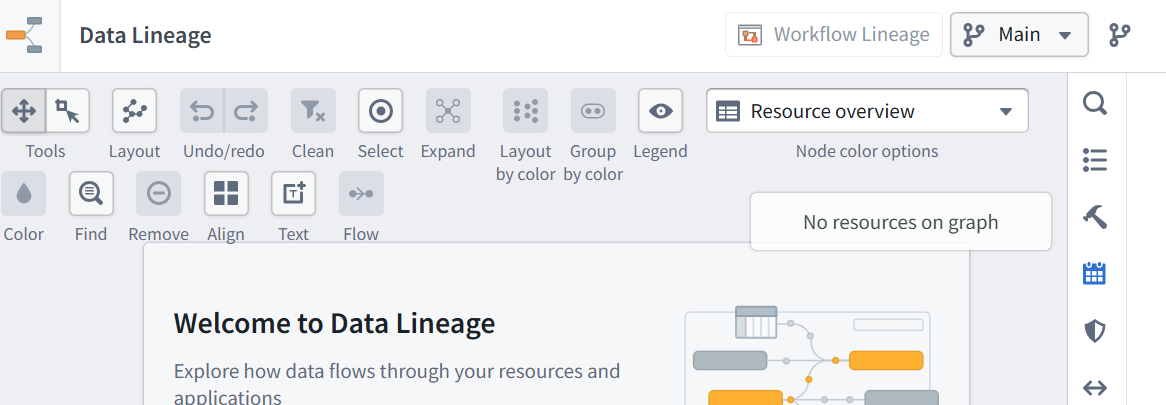
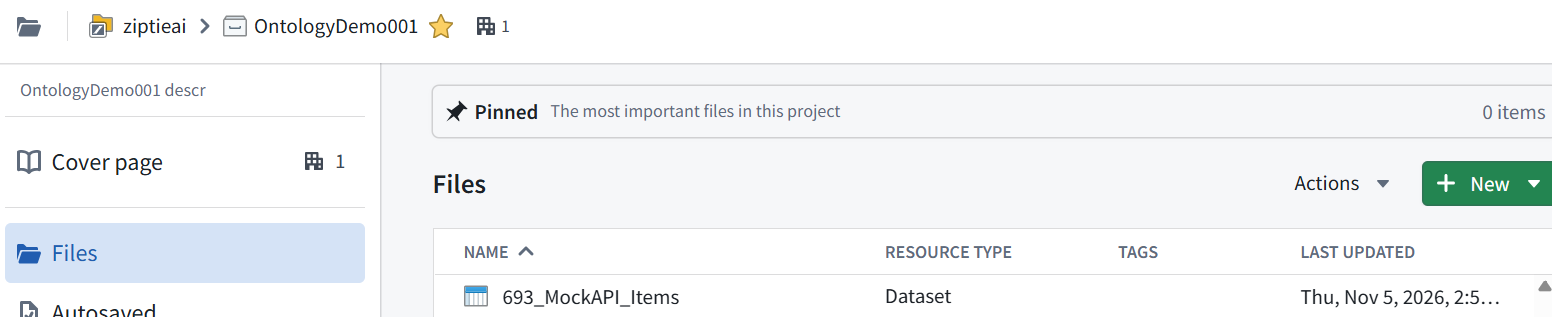
Dataset (not shown in list of applications)
This section addresses an important gap.
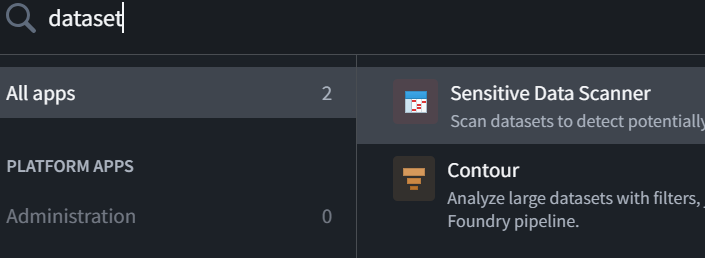
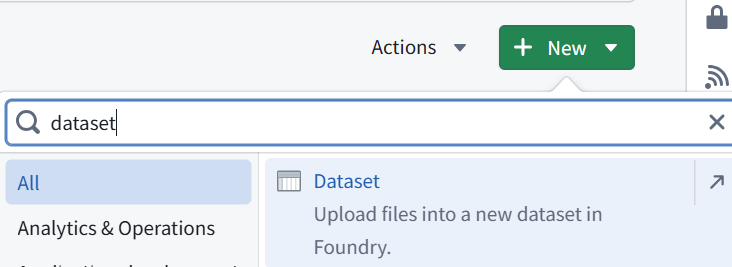
For the dataset entry, use:
Open the existing dataset: In the OntologyDemo001 project, find and open 693_MockAPI_Items. Then select Preview → Schedules.
Do not use New → Dataset—that creates another dataset.
8.1 Pause / Delete any existing old schedule
8.1.1 Pause schedule (pause any schedule you are not using)
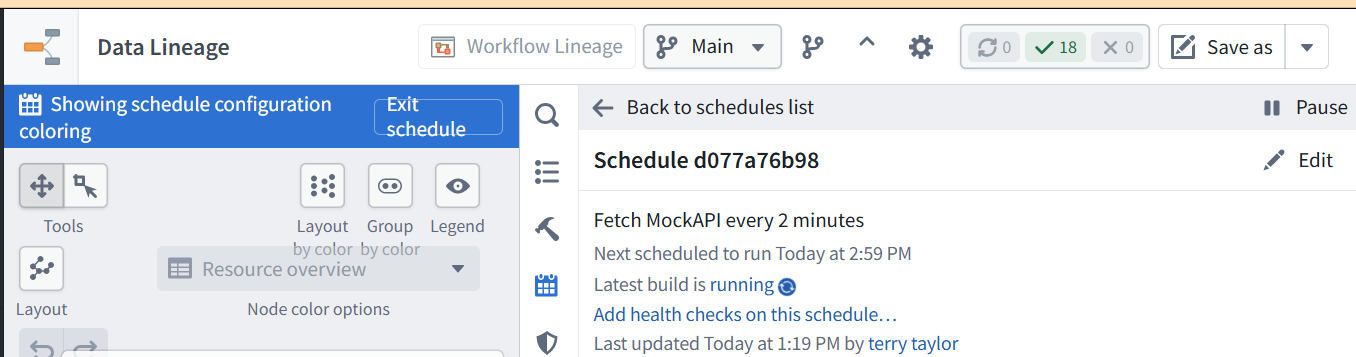
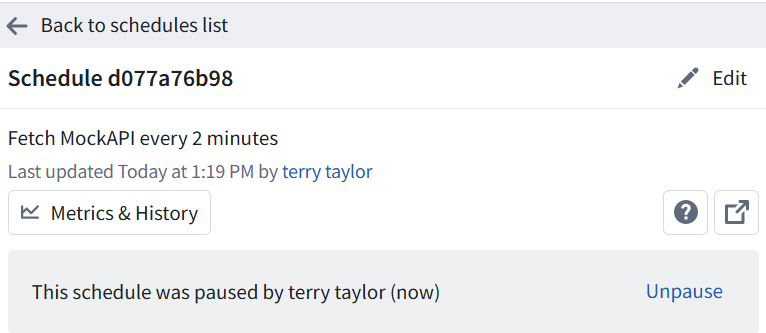
- In Data Lineage → Schedules, open Schedule d077a76b98.
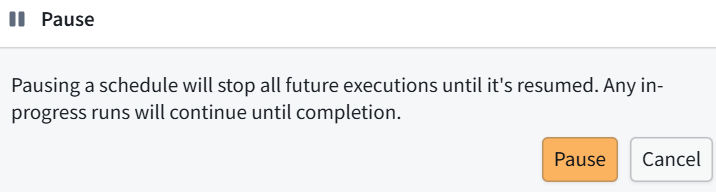
- Click Pause.
- Verify the schedule shows Paused. Leave 693_AIPL_CR_Automation active.
8.1.2 Delete schedule
In Data Lineage, click Back to schedules list at the top of the right-hand panel.
Show that list so we can locate the delete control for Schedule afe13ab56b. Leave it paused.

click Edit.
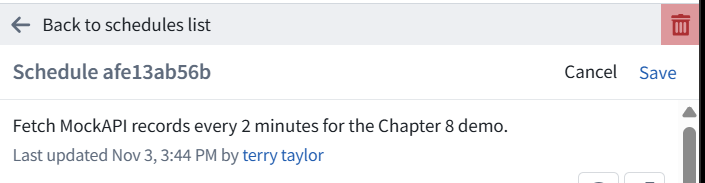
The delete control appearing only after Edit certainly made that harder to find.
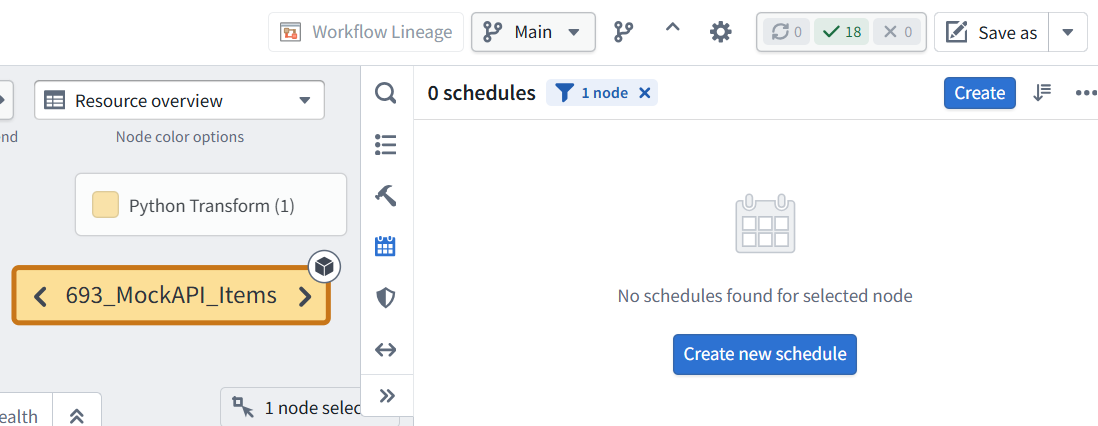
The old schedule is deleted: the panel shows 0 schedules for 693_MockAPI_Items.
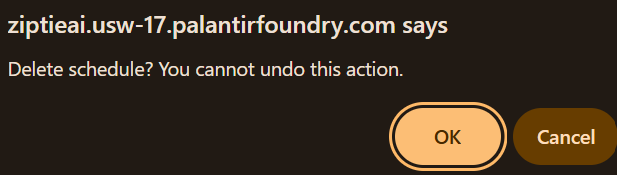
ME: no UI warning about the delete… only a browser popup.
Correct—the deletion confirmation was a browser popup, not a Foundry dialog.
8.2 Click Create new schedule to start fresh.
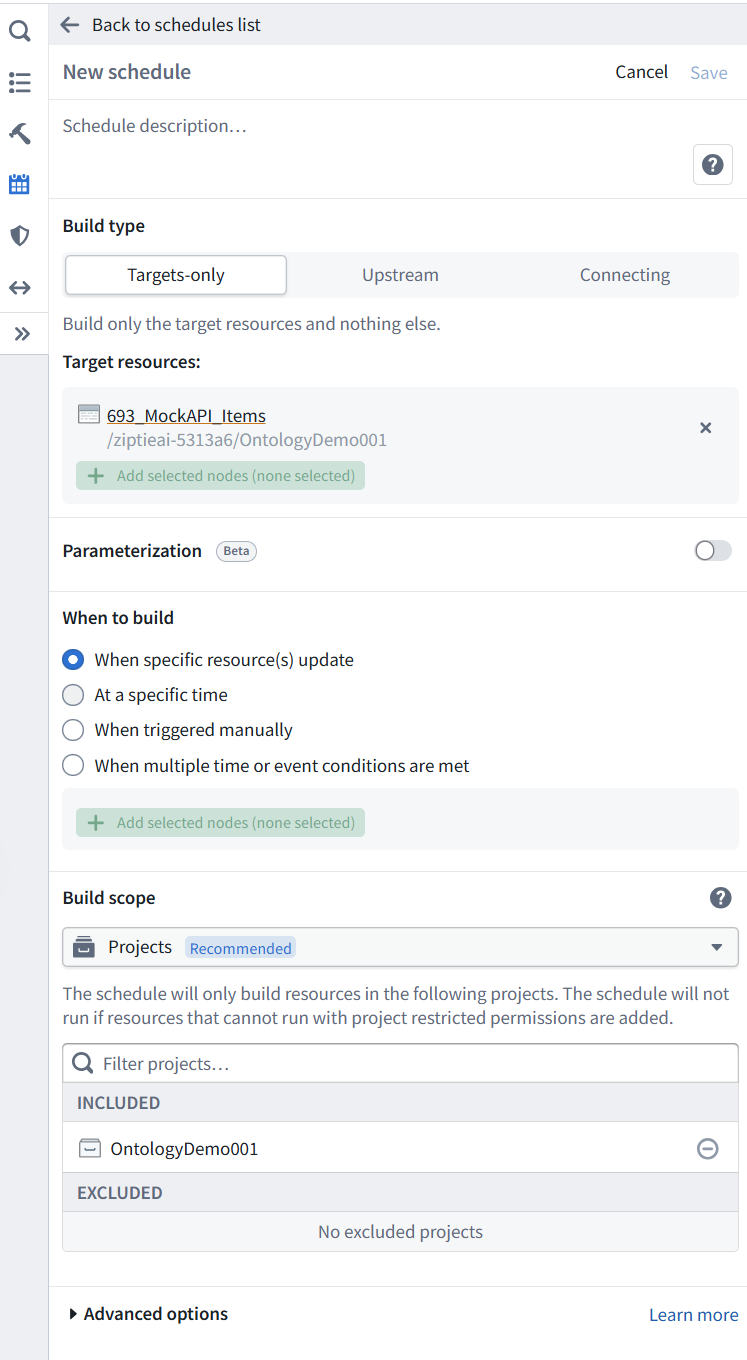
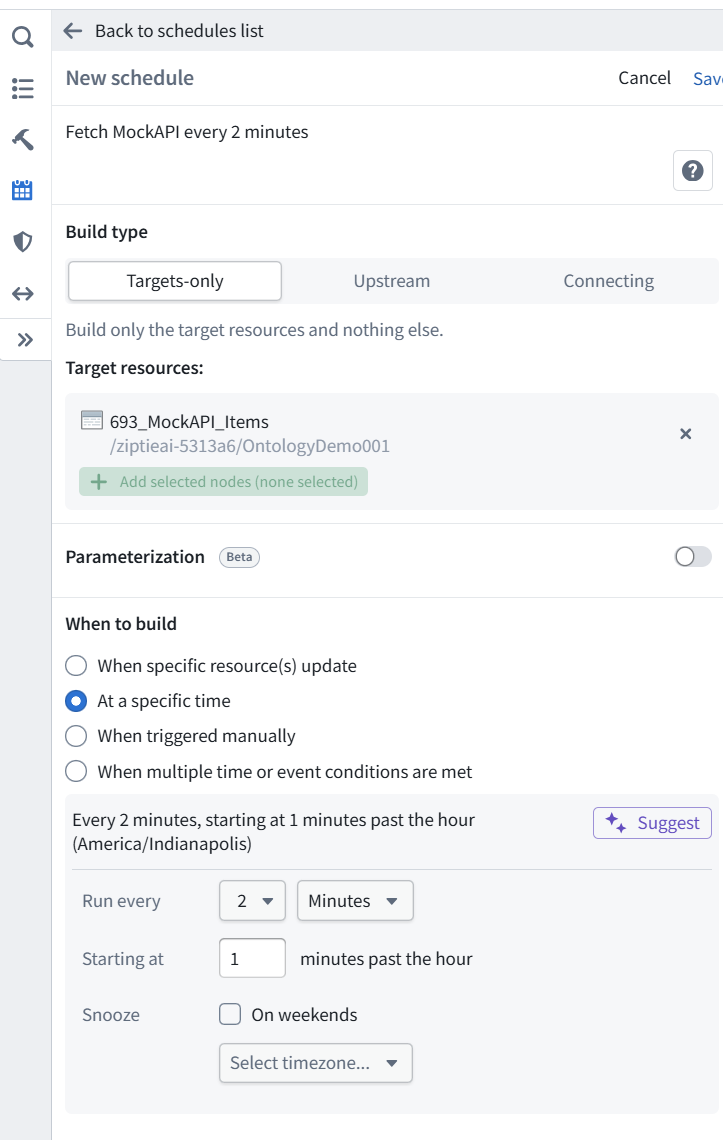
For this new schedule:
- Schedule description: Fetch MockAPI every 2 minutes
- Keep Targets-only and 693_MockAPI_Items.
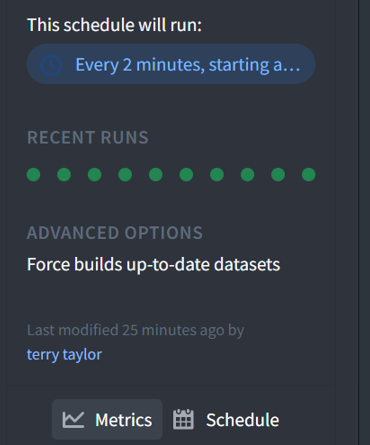
- Select At a specific time → every 2 minutes.
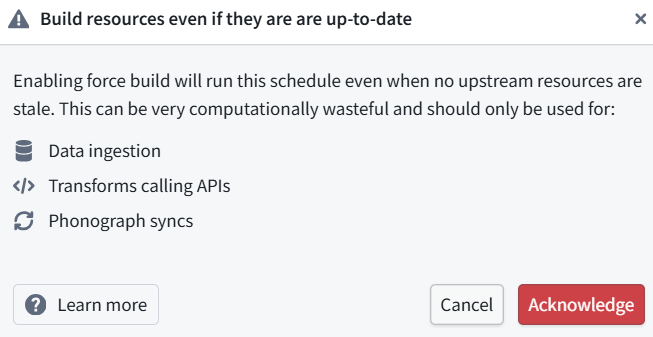
- Expand Advanced options → enable Force build and acknowledge its warning.
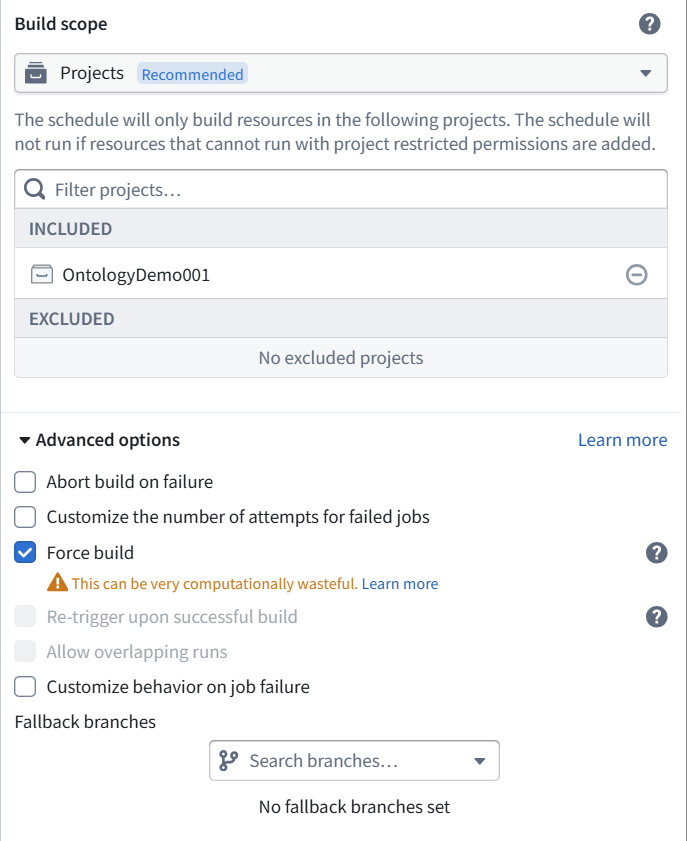
- Click Save at the top of this panel.
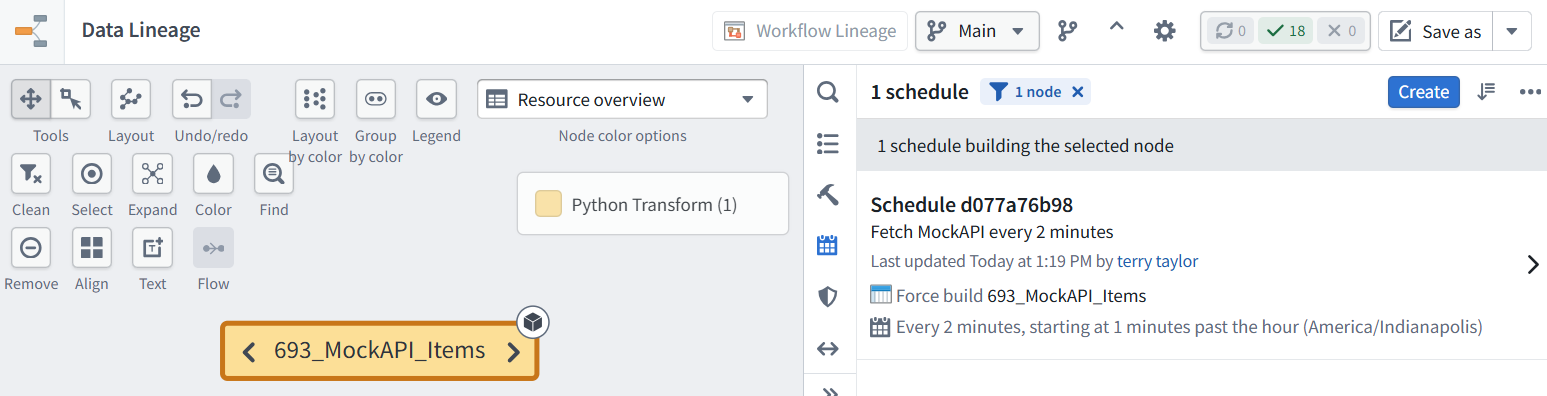
The new schedule is saved and enabled.
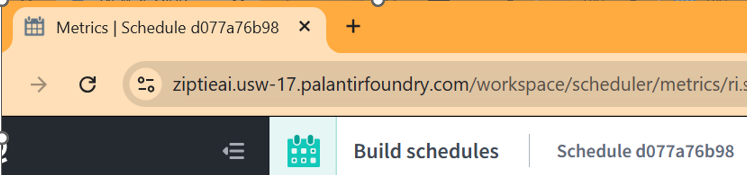
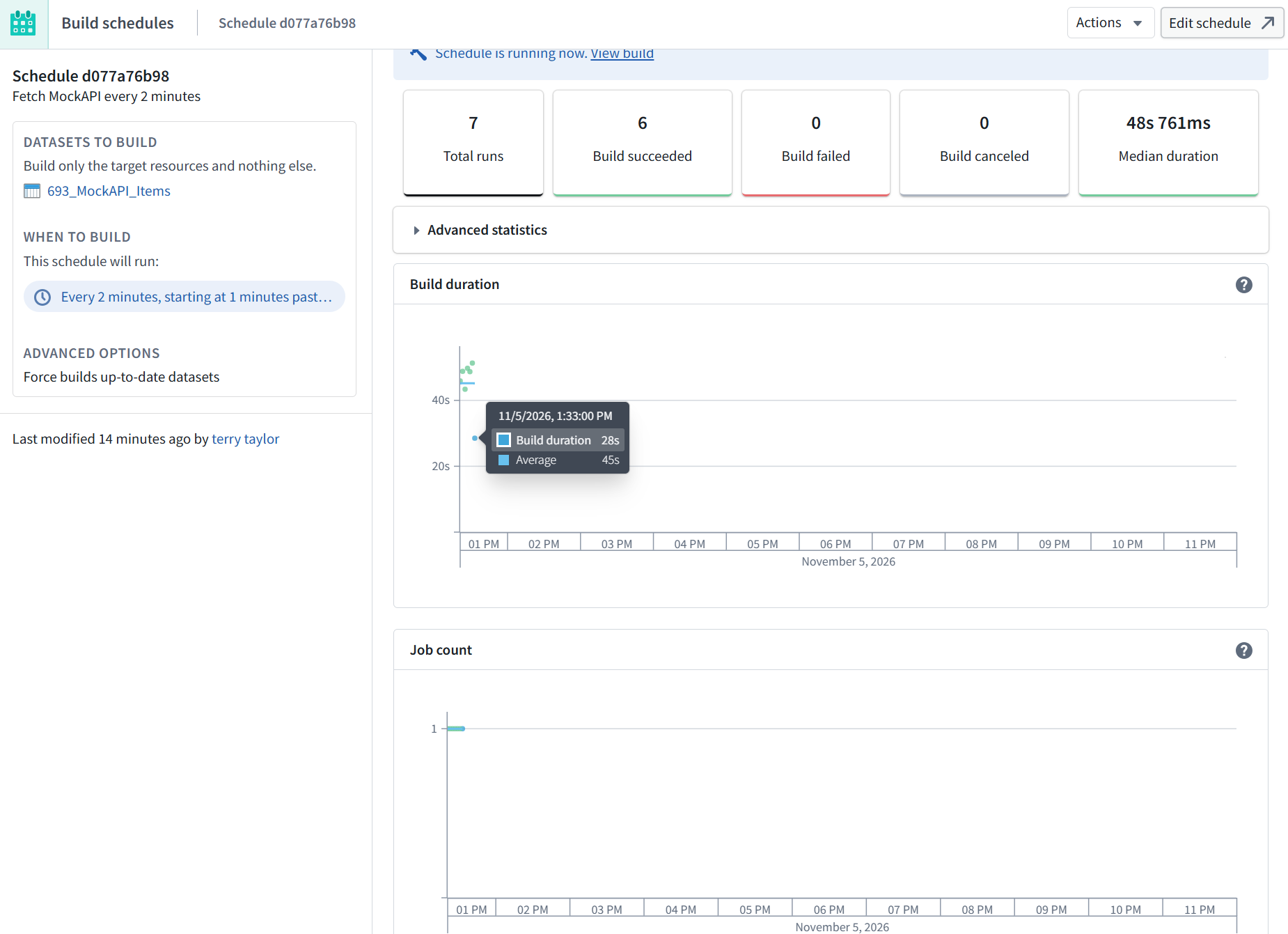
- Schedule d077a76b98
- Force builds 693_MockAPI_Items
- Every 2 minutes, at minutes 01, 03, 05, …
- Timezone: America/Indianapolis
8.3 Add a MockAPI item with a new, unused Id
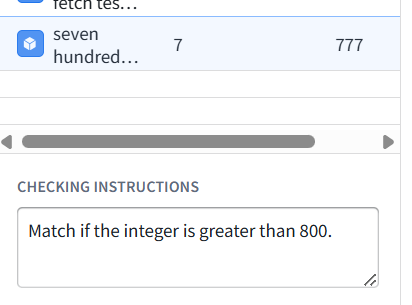
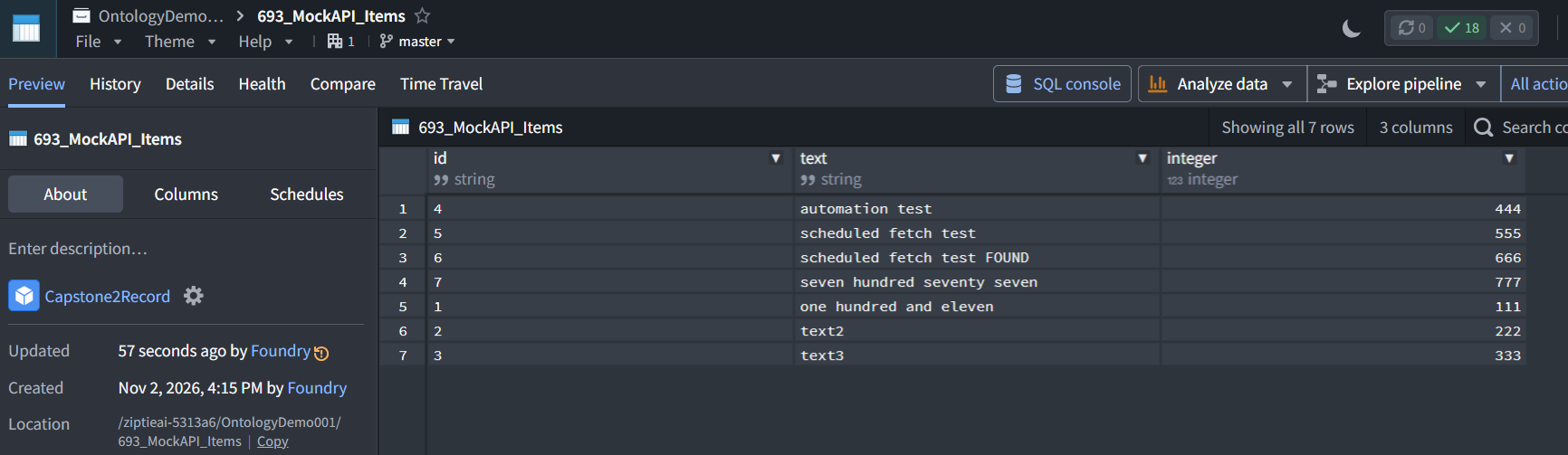
To test it, add a MockAPI item with a new, unused Id, preserving existing items. Then wait—do not click Build or Run Now.
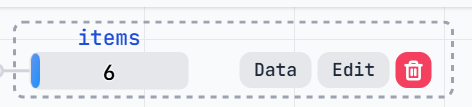
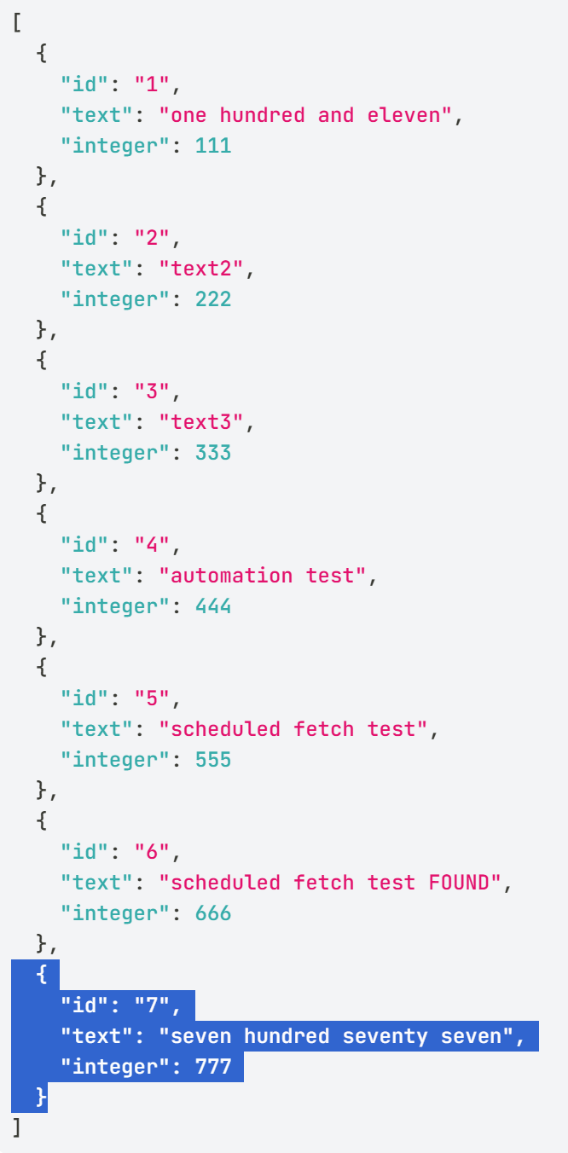
Yes—Id 7 is new, and the existing six items are preserved.
Save the MockAPI update, then wait for the scheduled import and automation. Do not manually build or run an Action.
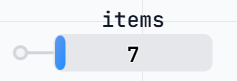
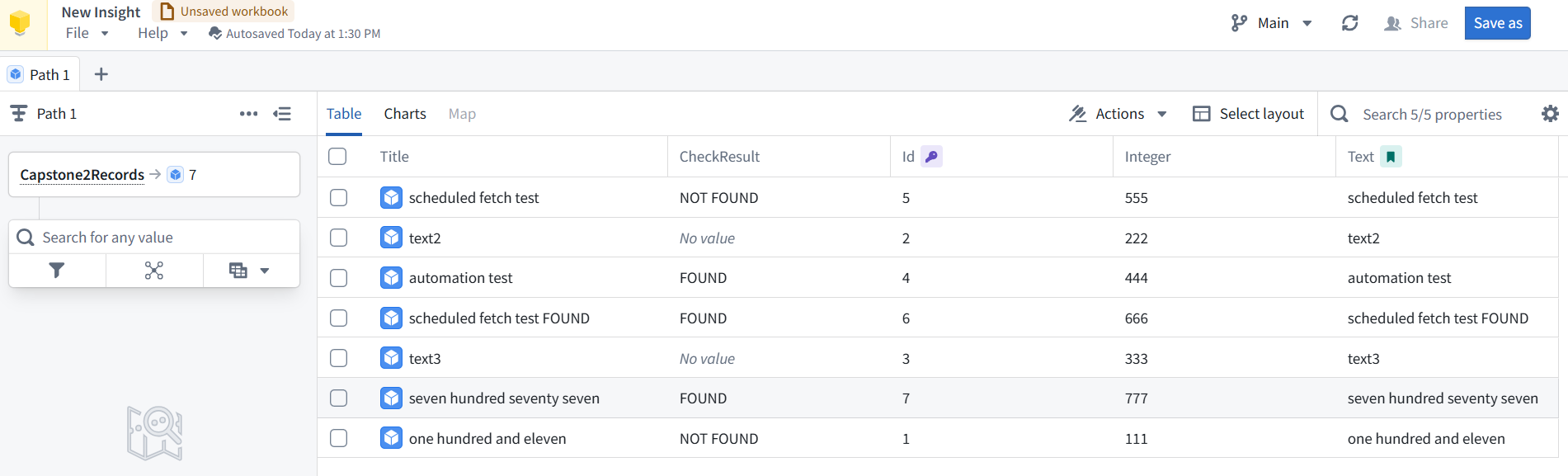
In Ontology Manager → Capstone2Record, look for Id 7. We expect Integer = 777 and CheckResult = FOUND, using the automation’s criterion “integer is greater than 100.”
8.4 Trace the result (then pause the schedule)
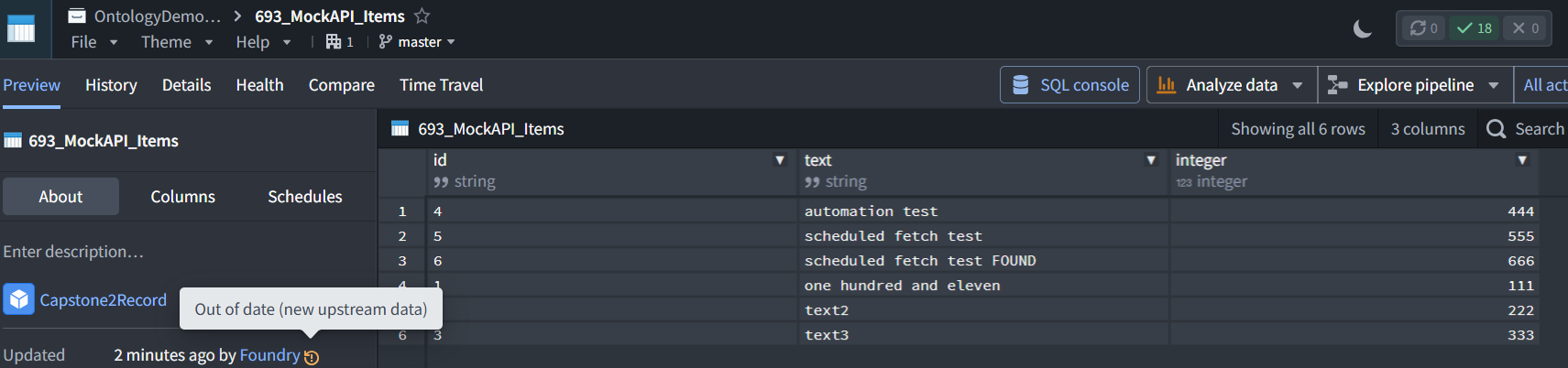
8.4.1a Dataset
Correction: I called it Dataset Preview, but it is not listed as a standalone application in your app launcher.
It is the dataset viewer, opened by opening 693_MockAPI_Items from its project or folder. You don’t need to find a separate app first.
For your directions:
Open 693_MockAPI_Items → Preview → Schedules.
8.4.1b Dataset Metrics / Schedule
8.4.2 Insight
8.4.3 Automation
8.4.4 UI
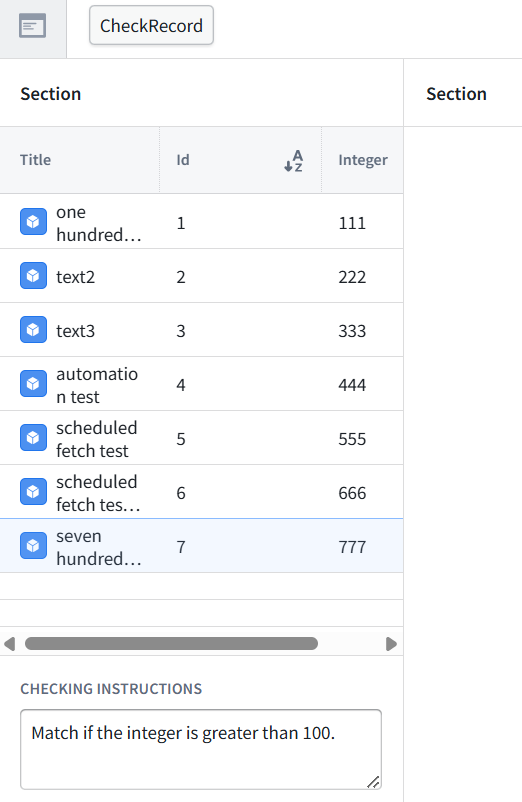
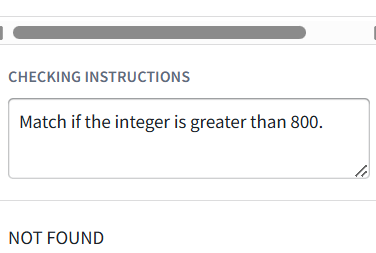
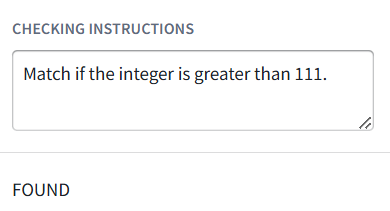
8.5 Test CheckRecord in UI (this is not automation)