P4 Publish the AIP Logic as a Function
In this phase 4 you will Publish AIP_Logic as a Function
- Explain Logic versus Function
- Inputs and output contract
- Debug outputs
- Publishing and versioning
For details see:
- Speedrun (the original demo documentation)
- Section “Publish your agent” (this creates the function)
- #614_.docx
The following diagram shows what you create:
P5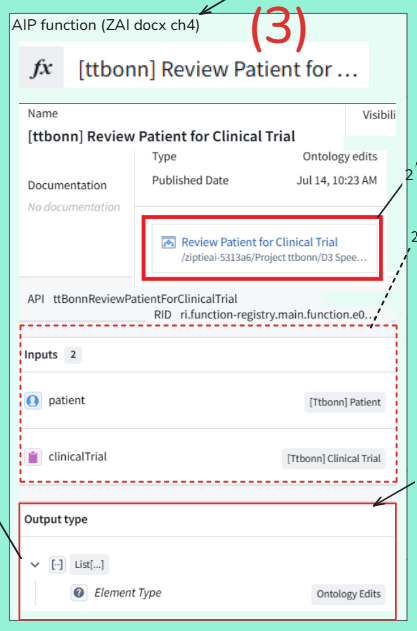
TOC:
- P4.1 Bind AIP Logic to Ontology
- P4.2 Save AIP_logic
- P4.3 Publish logic function
P4.1 Bind AIP Logic to Ontology
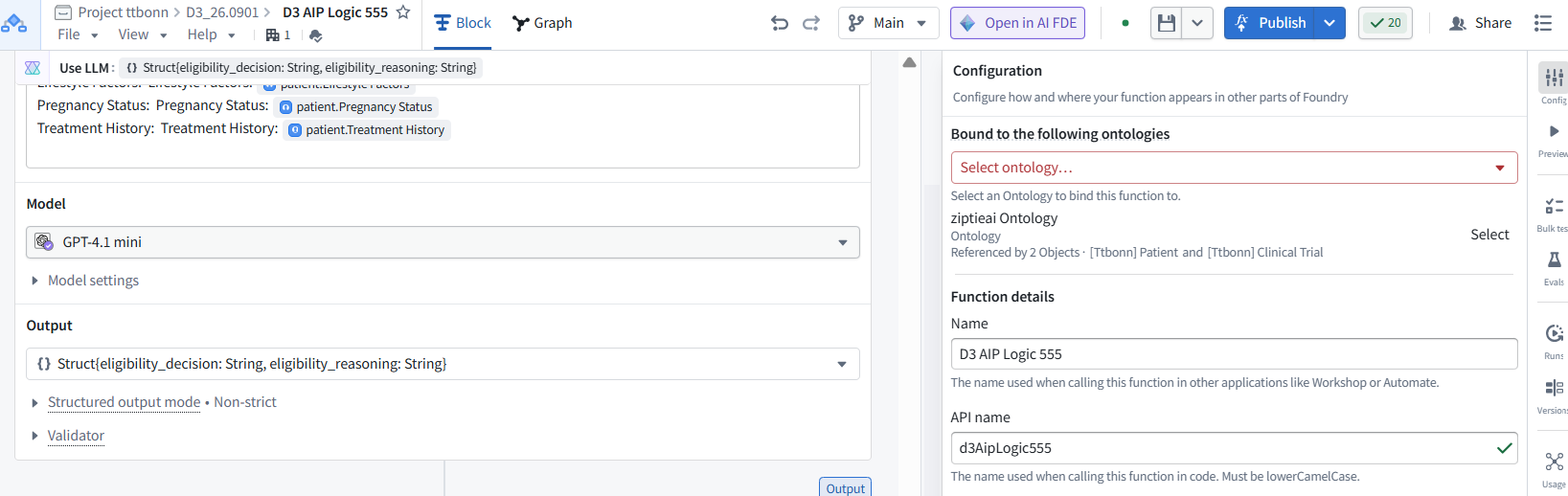
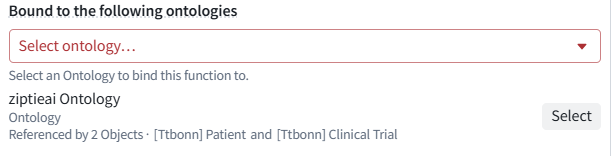
Q1: Not yet bound to ontology
Correct. The Logic references Ontology resources but is not yet formally bound to the Ontology.
Before publishing:
- Click Select beside ziptieai Ontology.
- Confirm that it appears under Bound to the following ontologies.
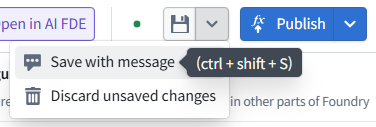
- Save.
- Publish.
Binding makes the published Function available to Ontology-based consumers such as Automate and Workshop. It does not modify the Patient or Clinical Trial objects.

P4.2 Save AIP_logic

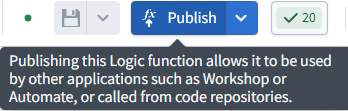
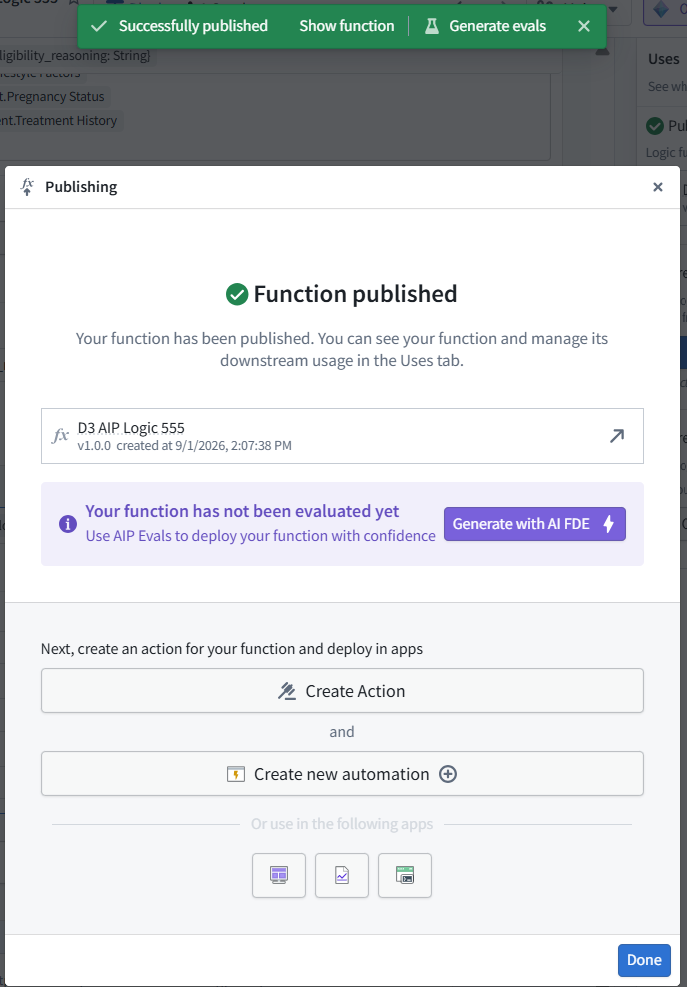
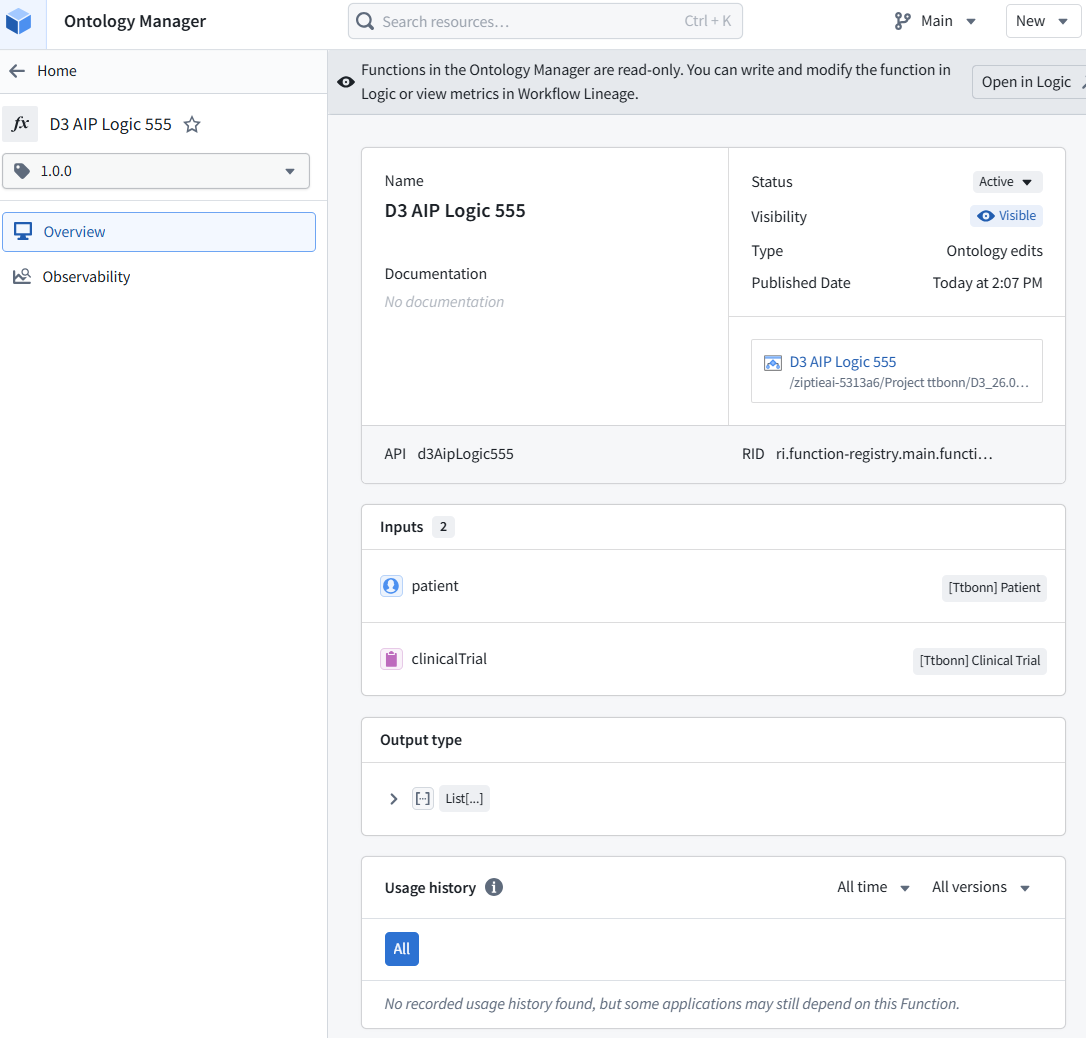
P4.3 Publish logic function

26.0902 (v1 26.0831)