D8.3 Project (1b)
See the working text for this QS in
- #619_.docx.
- Demo URL there are actually many … this was a chaotic demo.
TOC
- 3.1a project + folders
- 3.1b Action: In your Foundry project, Select +New > Modeling Objective.
- 3.2b Action: Download data
- 3.3 How to manage machine learning models (NO ACTIONS)
- 3.4 Project context (How to manage machine learning projects)
- 3.5 Next step
3 Tutorial - Set up a machine learning project in Foundry
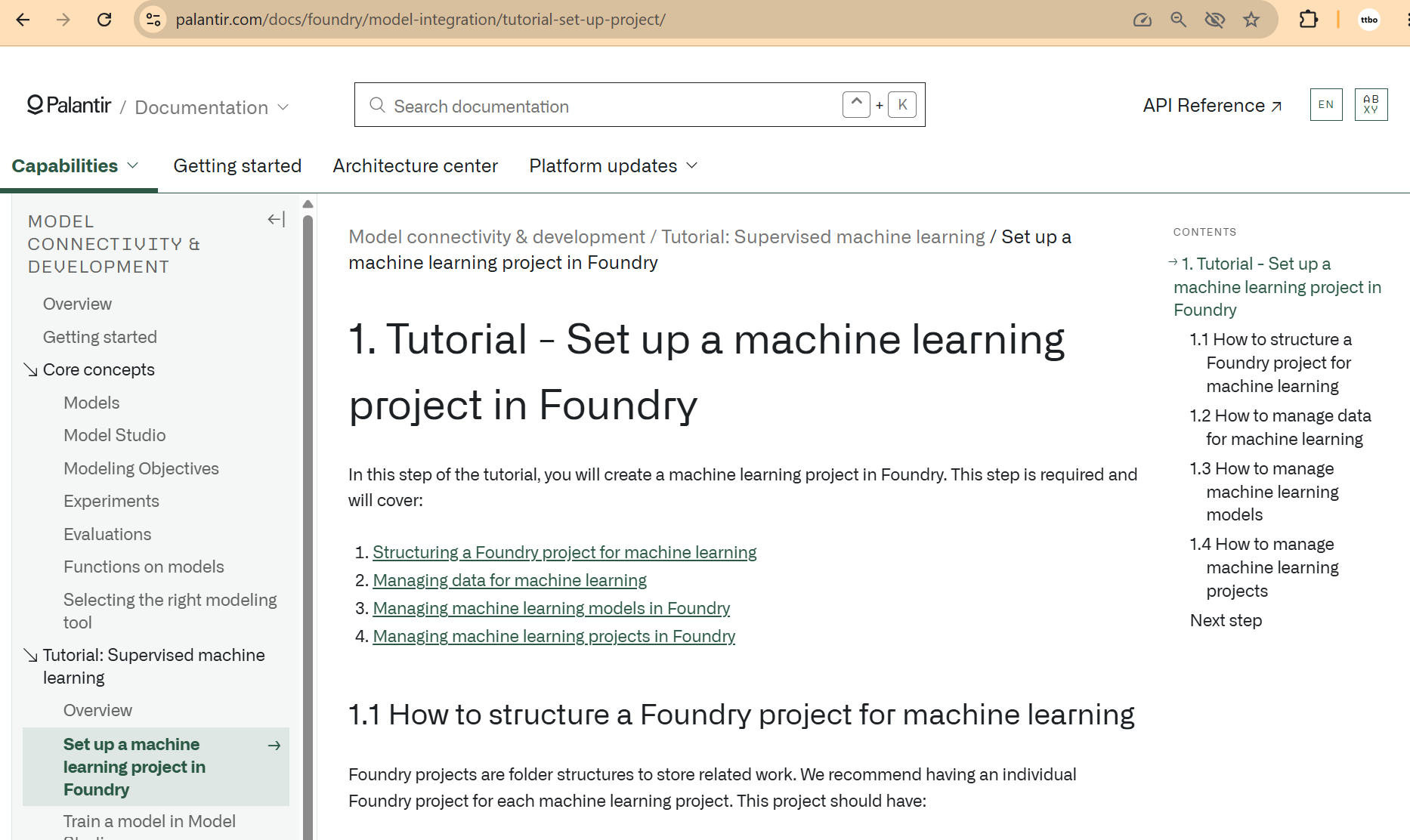
3.1a project + folders
https://www.palantir.com/docs/foundry/model-integration/tutorial-set-up-project
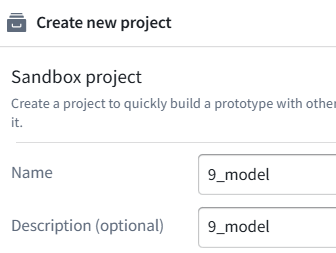
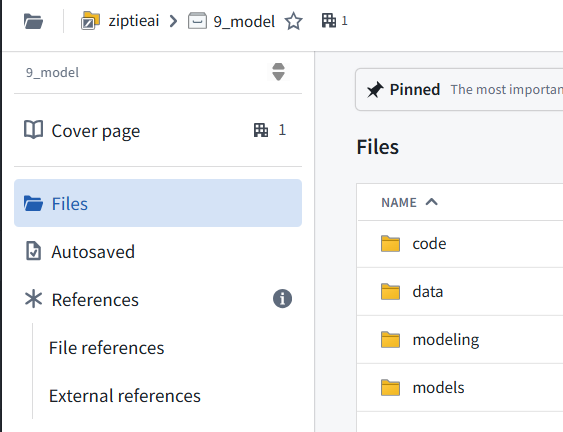
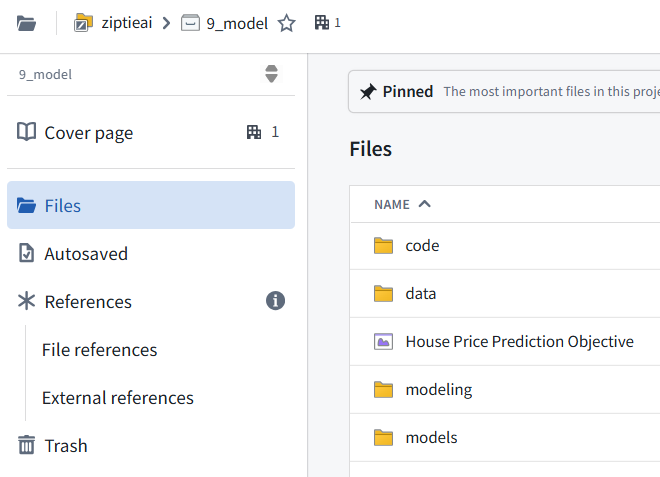
This project should have:
A data folder to store datasets used in this project,
A models folder to store models in this project,
A code folder to store model training logic used in this project, and,
A modeling objective to manage and deploy production models.
3.1b Action: In your Foundry project, Select +New > Modeling Objective.
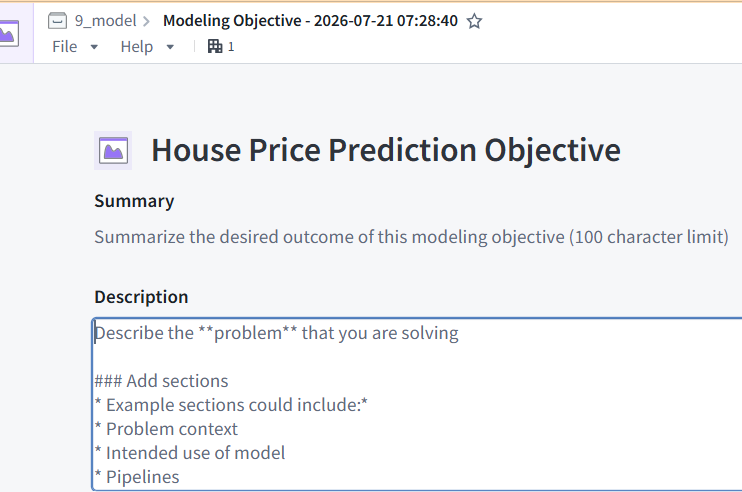
The modeling objective should be named in relation to the name of the machine learning problem you are attempting to solve. In this case, name the objective “House Price Prediction Objective”.
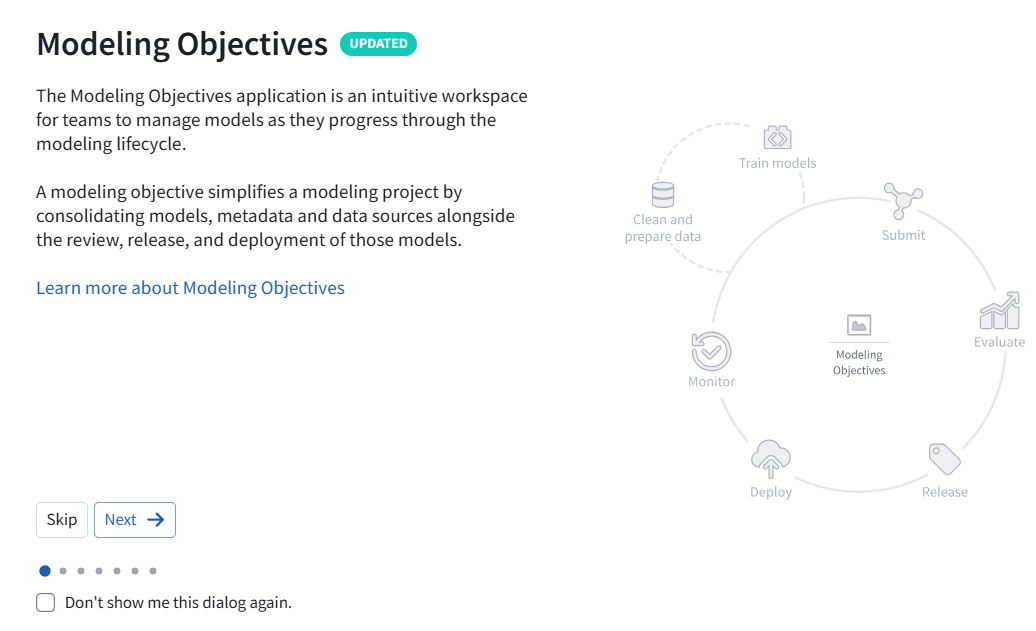
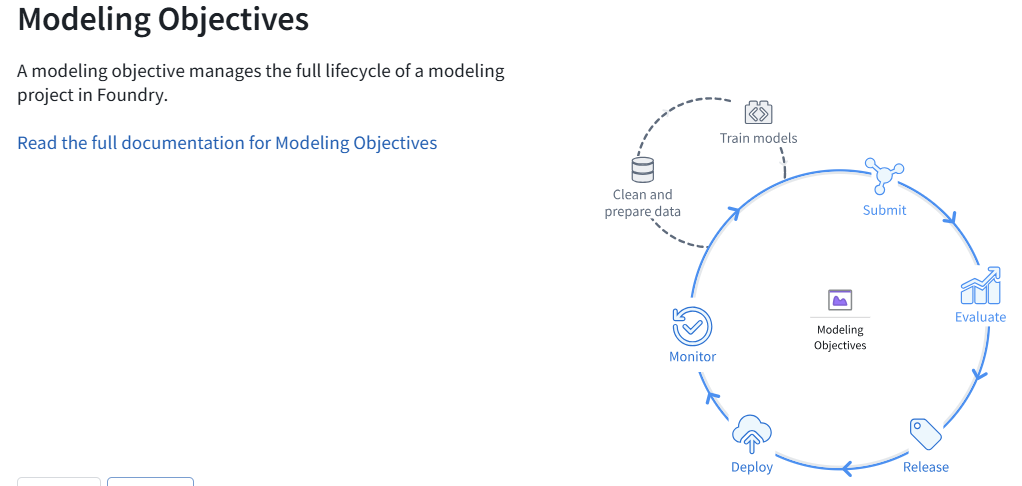
clean and prepare data
train models
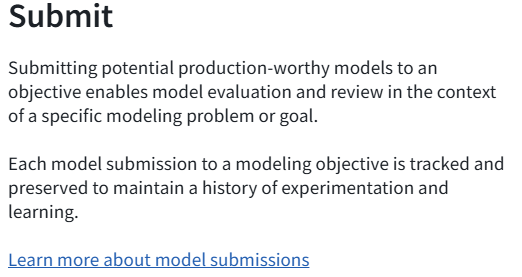
submit
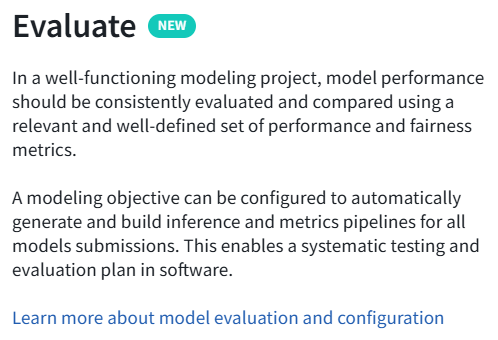
evaluate
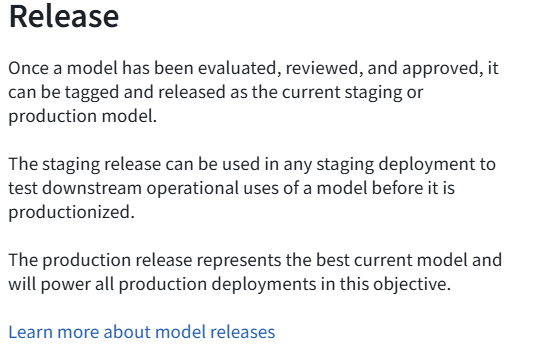
release
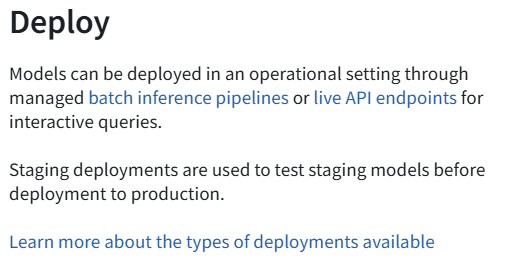
deploy
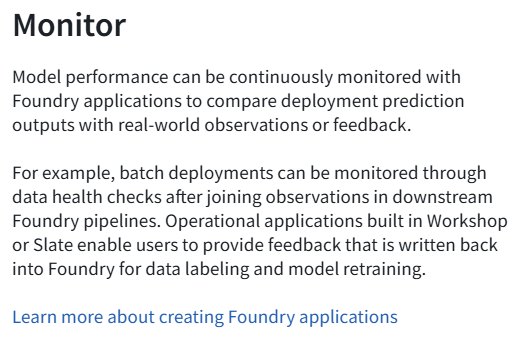
monitor
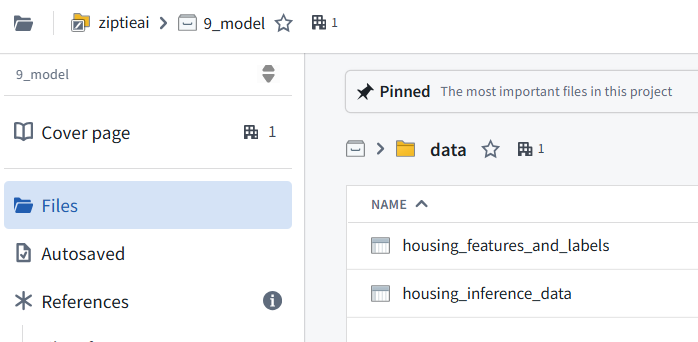
3.2b Action: Download data
https://www.palantir.com/docs/foundry/model-integration/tutorial-set-up-project/#12-how-to-manage-data-for-machine-learning
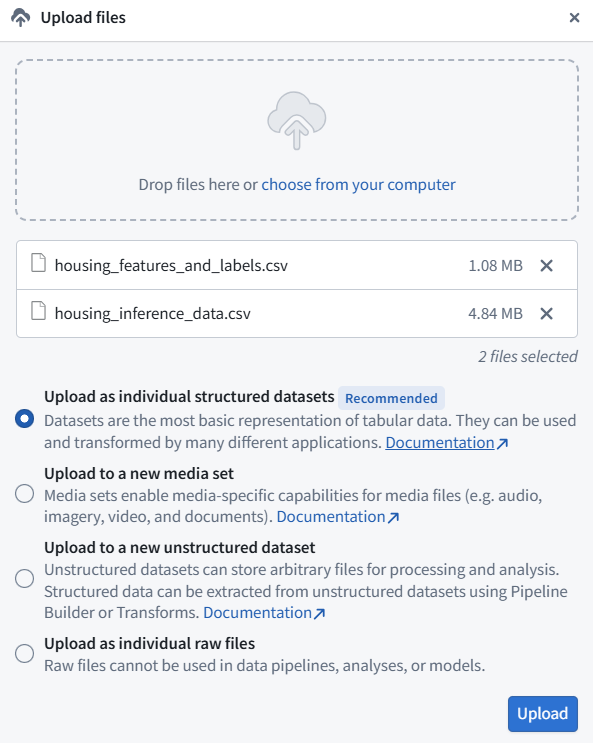
the labeled American Housing data source and upload it in the data folder as housing_features_and_labels. Download the unlabeled American Census data source and upload it to the data folder as housing_inference_data. You can upload a CSV file into Foundry by dragging it into the folder structure - for this tutorial, upload it as a structured dataset.
3.3 How to manage machine learning models (NO ACTIONS)
Models that are trained in Foundry are linked to the data, code, and development environment that was used to train them. This is useful as to provide a governed record of how all models were produced as well as to record and share the details of historical experimentation.
Machine learning models can be trained in Foundry in the Code Repositories application.
Code Repositories
The Code Repositories application is a web-based development environment for authoring data pipelines and machine learning logic. Foundry provides a template repository for machine learning called the Model Training template.
Code Repositories support Git for local code iteration but require committed code for running builds within Foundry. The Code Repositories application is best for authoring production and reproducible data pipelines and machine learning logic.
Integrate an existing model
If you already have a model that you want to use in Foundry, you can integrate that existing model by:
Uploading a container image as a model
Creating a model to proxy an externally hosted model
Import pre-trained model files, for example from Hugging Face
There are no required actions for this step of the tutorial.
3.4 Project context (How to manage machine learning projects)
In Foundry, machine learning projects are managed with the Modeling Objectives application. A modeling objective suggests best practices to manage machine learning projects by:
Orienting the machine learning project around a specific problem
Creating a standard for systematic model evaluation
Enabling multiparty review of models before production use
Maintaining a historic record of all models used in production
Integrating model development with deployment to either batch pipelines or real-time hosted inference
In this tutorial, the modeling objective is to predict the median house price in a census district.
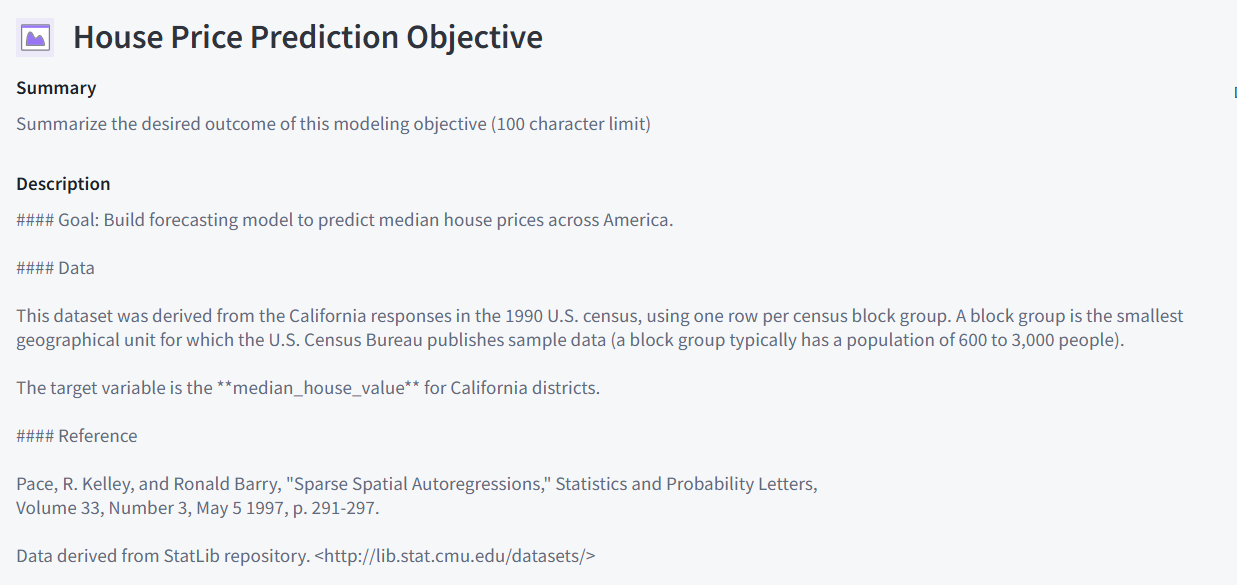
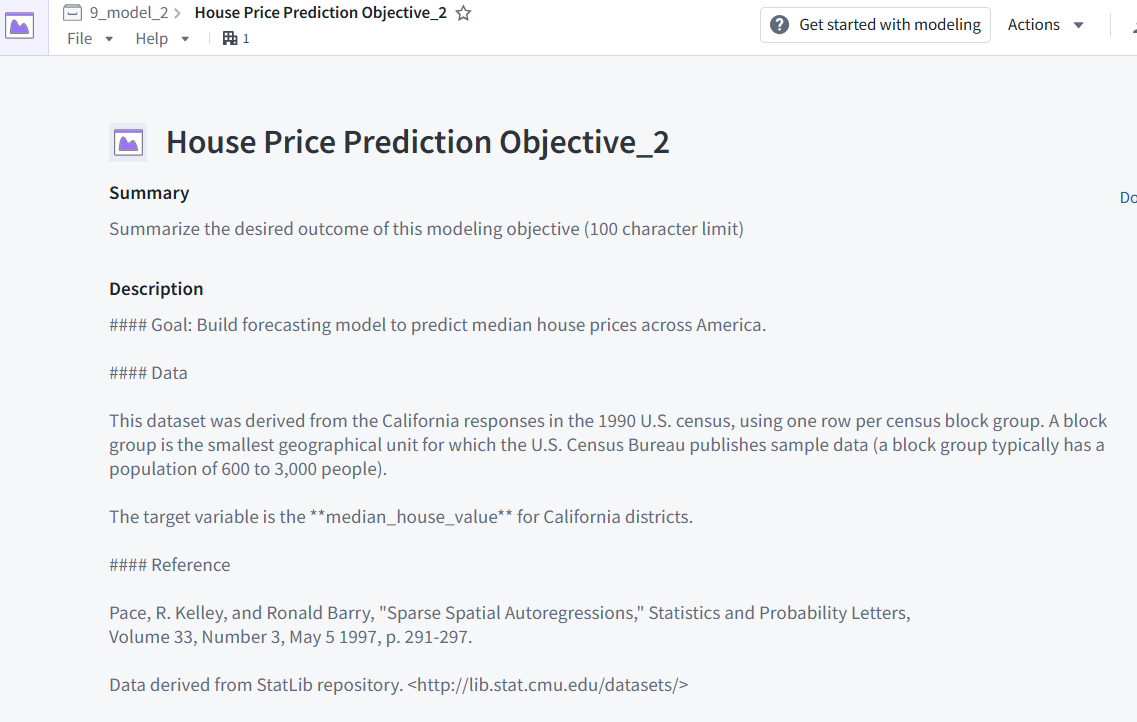
Action: Navigate to the “House Price Prediction Objective” modeling objective created earlier. Add project context in the header portion of the modeling objective to describe the problem for other teams. Select the pen icon on the right of the header to enter edit mode and add a summary and description for your objective. The description field supports Markdown. An example of suggested content is below:
House Price Prediction Objective_2
3.5 Next step
Now that we have structured our machine learning project, we will move onto model training. In this tutorial, your next step is to either
train a model in Model Studio,
train a model in a Jupyter® notebook or
train a model in Code Repositories.
Jupyter® notebooks are recommended for fast and iterative model development, while Code Repositories are recommended for production-grade data and model pipelines.
26.0903 (v1 26.0903)