3c.2.3 PAL AIP QS ch3 LEFT (selected chunks list)
The left widget simply shows the ~10 chunks that were selected for RAG entry. This does not really have much to do with RAG or AIP. For now I just provide the basic screenshots. The original demo text is at https://learn.palantir.com/speedrun-your-e2e-aip-workflow . See section “Building an APP” / “Display objects” for the details. I might add my details here later.
Diagram: Left widget section
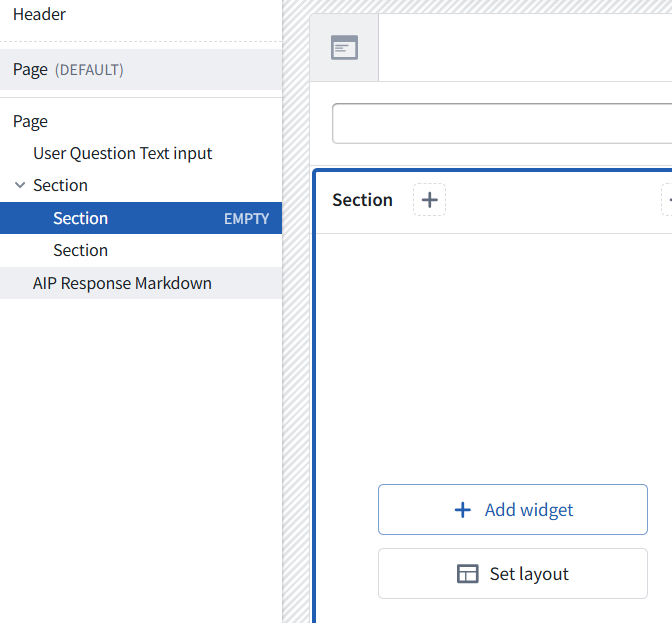
Diagram: Add an Object list
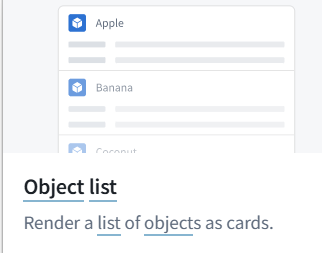
Diagram: Object list in the UI
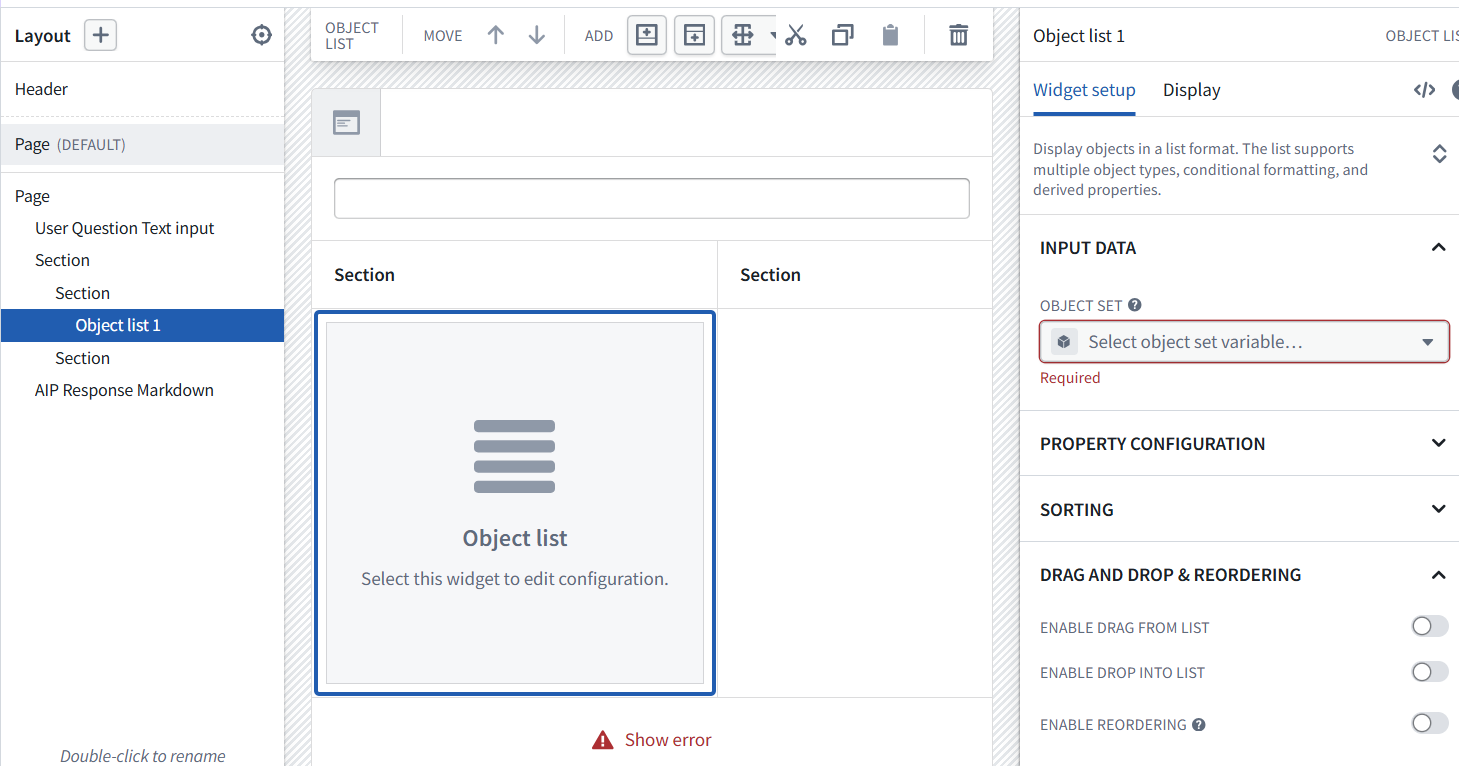
Diagram: Object set input data in UI
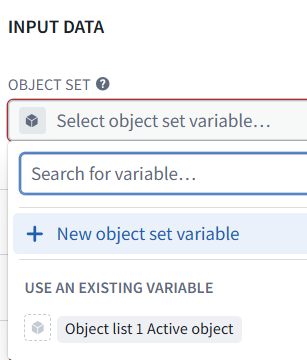
Diagram: Select Chunks
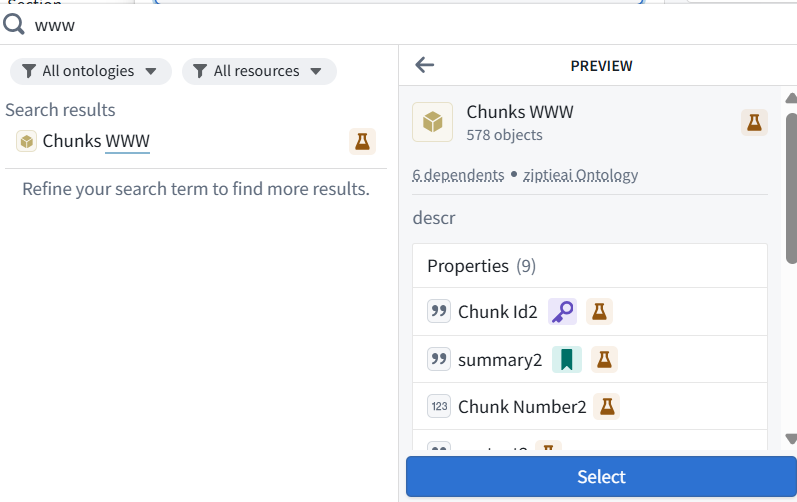
Diagram: Resulting input data
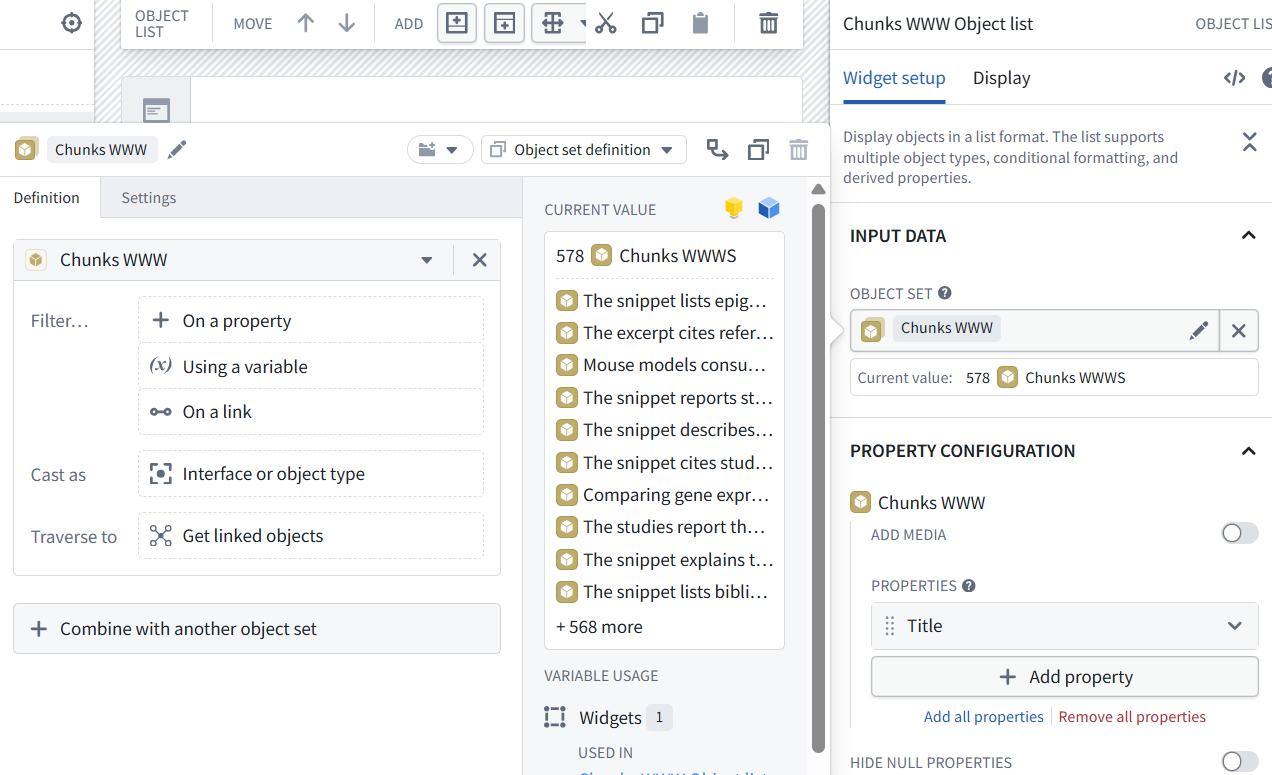
Diagram: Filter on the embedding
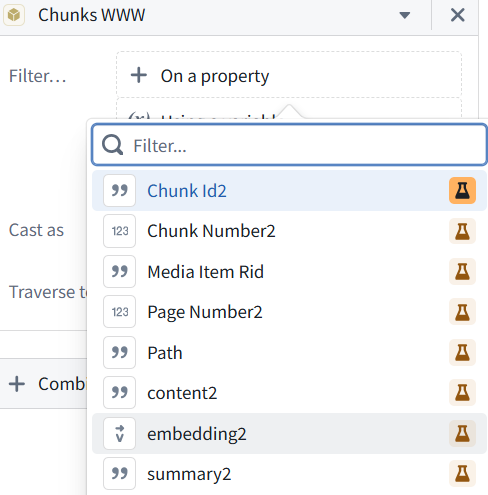
Diagram: Set Query = userQuestion
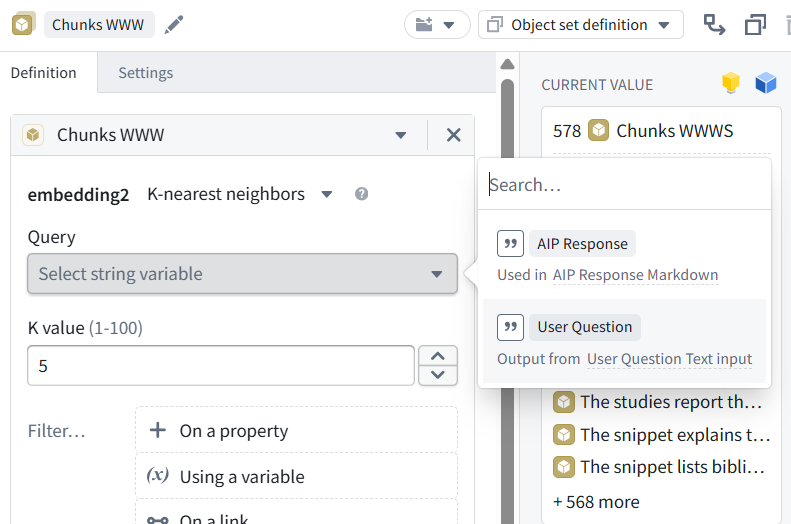
Diagram: K value set to 7 (anything from 5-10; this is the number of returned chunk objects)
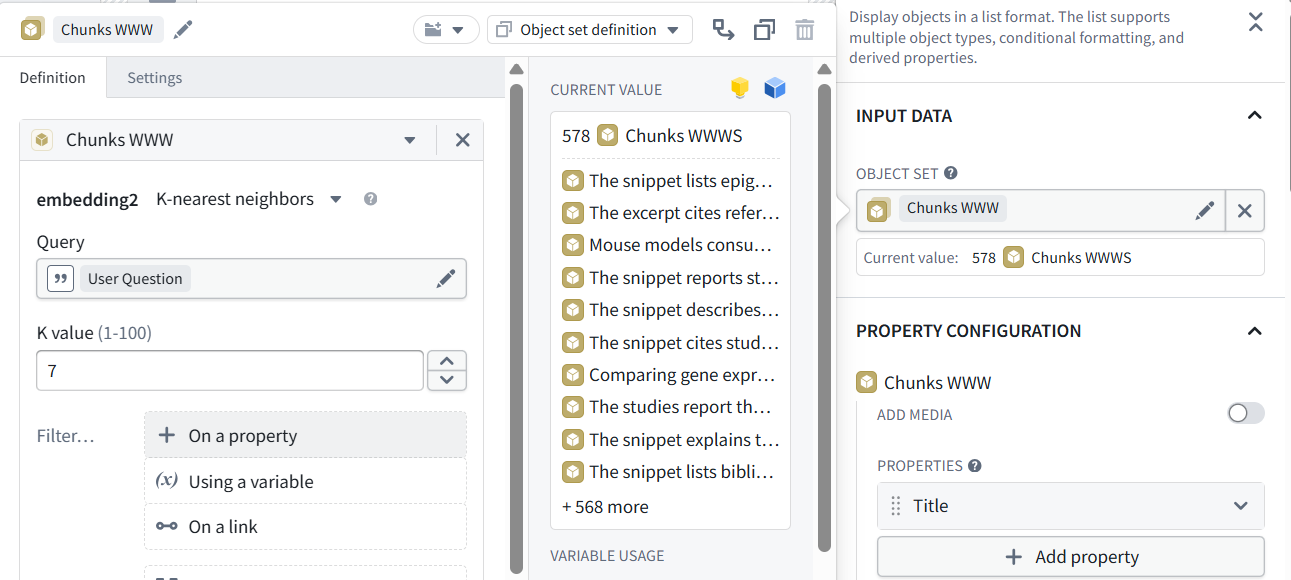
Diagram: Displayed chunks
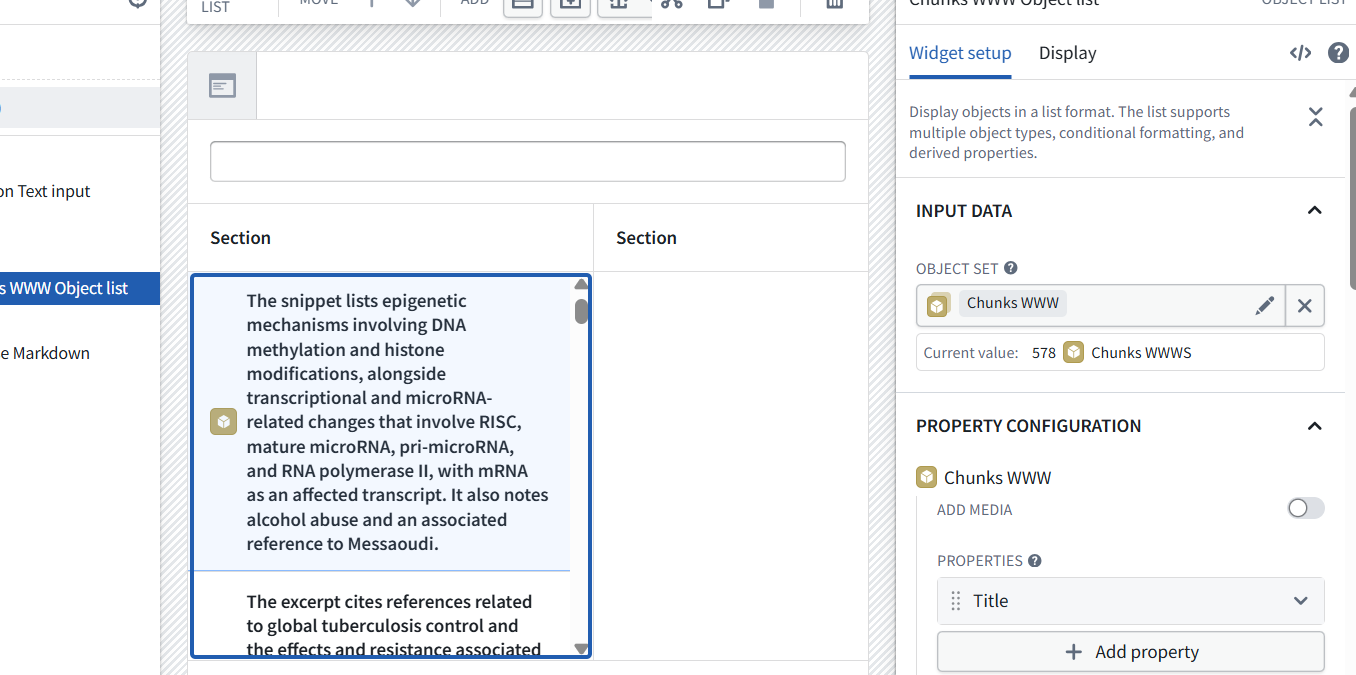
Diagram: Note the new Chunks var
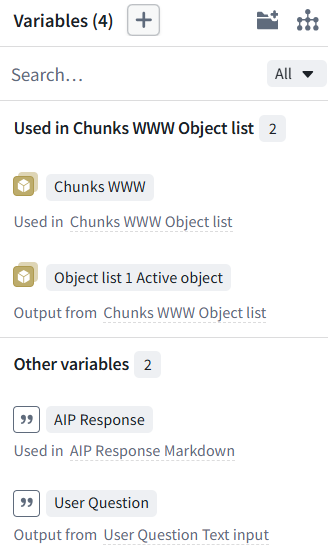
Diagram: The active selection is not used
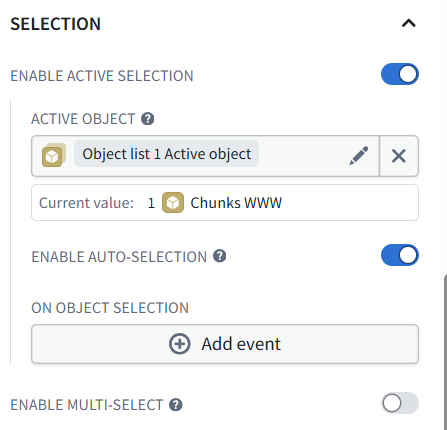
Diagram: Save and publish

View the UI. Enter a question.
The selected chunks are displayed.
Diagram: Chunks that match the question are displayed
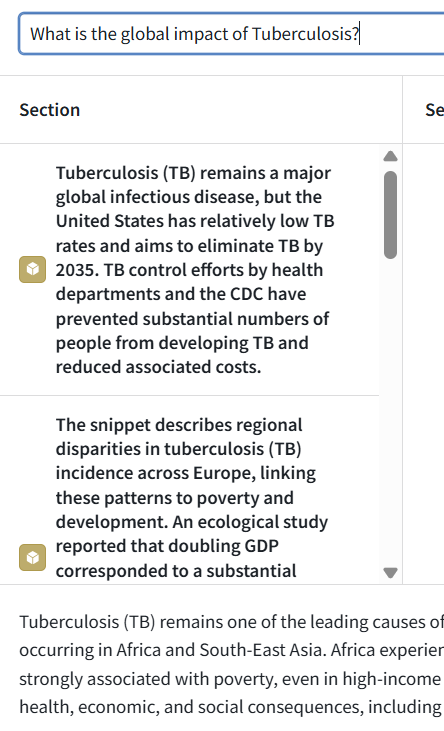
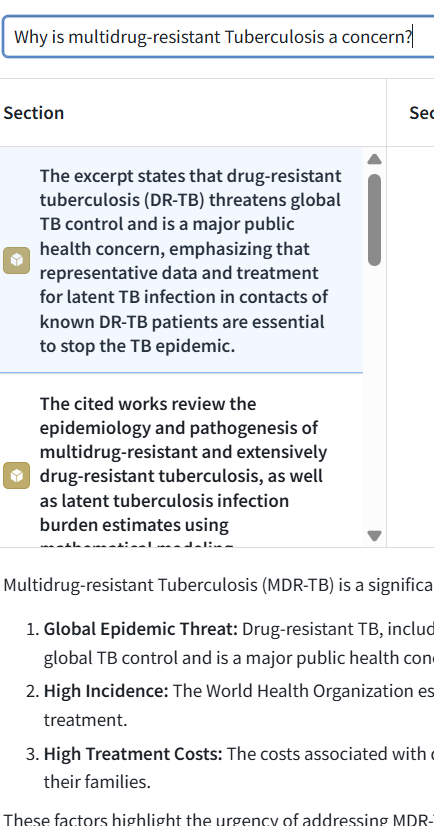
Diagram: Verify with another question
26.0904 (0824, v1 26.0713)